
For many users, AI tools are now part of the same routine as search, Google Docs, and citation sites. They are fast, useful, and often opened in a rush, without much thought. That is exactly why browser fingerprinting deserves a closer look.
A website does not need someone to fill out a long form to learn something useful. In many cases, the browser is already giving away a pattern through its settings, hardware signals, and technical behavior.
Users feel like they are making short, practical visits to take advantage of helpful tools. On the other side, those visits may look much easier to recognize than they seem.

Image by Pexels.
What Is a Browser Fingerprint, Really?
A browser fingerprint is a profile built from many signals a website can observe during a visit. Those signals can include:
- Browser version
- Operating system
- Screen resolution
- Language settings
- Time zone
- Graphics setup
- Other technical details
None of them sounds especially revealing on its own. Together, they can make a browser look fairly distinct.
That matters because users move between tools constantly. One session may include a chatbot, a citation helper, a writing app, a research site, or an AI detector in the next tab. Each tool feels separate. At the browser level, the same recognizable setup may keep appearing from one visit to the next.
This is why browser tracking goes beyond the cookie banner people have learned to ignore. Cookies are stored identifiers. Fingerprinting works through traits the browser exposes during the visit itself, which makes it easier to miss and harder to judge at a glance.
How We Looked at the Evidence
We used data from a 2025 fingerprinting study of 8,400 U.S. users, a three-year browser-measurement study, and UNESCO’s guidance on generative AI to gather evidence about scale, persistence, and privacy impact.
What the Data Shows
| Data Point | Sample / Source | Specific Finding | Why It Matters for Users |
|---|---|---|---|
| Combined fingerprint uniqueness | 8,400-user study | 5,973 distinct combined fingerprints; 60.2% unique | A browser can stand out even when each single setting looks ordinary |
| WebGL unmasked renderer | 8,400-user study | 654 distinct values; 3.2% unique; entropy 6.833 | Graphics details carry more identifying power than most users assume |
| Screen resolution | 8,400-user study | 572 distinct values; 4.5% unique; entropy 5.51 | A routine setting still adds useful signal |
| User agent | 8,400-user study | 434 distinct values; 2.8% unique; entropy 4.613 | Browser and OS combinations still narrow people down |
| Languages | 8,400-user study | 264 distinct values; 2.4% unique; entropy 1.73 | Language settings are not harmless background noise |
| Long-term dataset | 1,304 participants | 88,088 measurements across 305 browser features | Fingerprinting can be observed over time, not just in one session |
| Income pattern | 8,400-user study | Fingerprinting risk increased as household income decreased | Exposure is not evenly distributed |
| Age pattern | 8,400-user study | Older users showed more unique fingerprints and more concern about tracking | Risk and awareness do not always move together |
| Inference risk | 8,400-user study | Browser attributes helped infer traits such as age, gender, income level, and race | The issue is not only recognition but profiling |
Users May Look More Trackable Than They Think
The number that matters most here is 60.2% uniqueness for the combined fingerprint.
People often think about privacy in simple binaries: logged in or not, personal data entered or not, cookies accepted or not.
Fingerprint tracking does not follow that logic. A user can skip account creation and still present a stable pattern through the same laptop, browser, language settings, and graphics stack.
That is one reason the issue is easy to miss. Nothing dramatic happens on the screen. The risk grows through repetition. The same device, the same setup, the same routine of opening tools before a deadline all make the browser easier to recognize.
Small Signals Add Up Fast
Fingerprinting tends to be underestimated because the ingredients sound dull. Screen resolution, browser version, language, time zone, or graphics renderer—none of that feels personal in the way a name, email, or file upload does.
The numbers tell a different story. Even common settings like screen resolution, browser type, and graphics details vary widely across users, creating patterns that can be used to distinguish one browser from another.
One signal does not need to identify a person on its own. A site only needs enough pieces to narrow the field and make one browser look more distinctive than another.
That is how digital fingerprints emerge in practice. They come from accumulation rather than from one dramatic reveal.
That is how one browser visit starts to look less anonymous than it feels. In broader privacy discussions, the term website fingerprinting sometimes appears alongside browser fingerprinting, but the concern here is simpler and more immediate: the everyday browser session someone opens while trying to complete a task.

Image by Pexels.
The Risk Goes Beyond Recognition
Recognition is the obvious concern. A site can see the same browser again and connect one visit to another.
The more serious concern is profiling. The 2025 study found that browser attributes could help infer demographic traits. That changes the nature of the problem. The question is no longer only whether a browser can be recognized later. It also becomes what can be inferred from it in the first place.
For users, that matters because AI tools often feel neutral. A writing helper or research app does not look like an advertising system. It looks useful and temporary. The browser does not make that distinction. If the exposed signals are useful, the opportunity for inference is there.
AI fingerprinting risk becomes relevant when people use AI tools in a standard browser-based workflow.
Why This Affects Users So Easily
People often operate under time pressure. They use several tools in short windows, paste real content into third-party sites, revisit the same services, and usually prioritize speed over setup. That is normal and it is also exactly the kind of behavior that leaves little room for careful privacy decisions.
Guidance from organizations like UNESCO highlights that user data protection should be treated as a structural issue. Individuals should not have to become privacy specialists every time they need help with a task late at night.
What New Fingerprint Technology Means in Practice
Fingerprinting keeps changing because websites and browsers are locked in a constant back-and-forth. Tracking methods keep improving, and browsers keep trying to limit them.
Sites can collect more than users expect through browser headers, graphics behavior, hardware hints, and other quiet signals. Browsers, in turn, have started reducing exposed detail, blocking known trackers, or randomizing some values to make identification less reliable.
That does not remove the problem. It shows that the web is in a constant tug-of-war between tracking methods and defenses.
What Users Should Actually Do
People do not need to avoid every AI tool. They do need better standards for deciding which tools deserve their trust.
A tool should explain what it collects, how long it keeps data, and whether it shares or profiles information. Vague statements about improving user experience should not be the only explanation.
Browser choice matters because anti-fingerprinting protections differ. Workflow habits matter, too. Using the same browser profile for everything is convenient, but convenience is not privacy.
The shift is not toward paranoia, but toward better judgment. A tool can feel smooth and simple while still being unclear about what it collects or how it tracks users.
Final Take
Browser fingerprinting affects users of AI tools because everyday workflows happen in an environment that can recognize patterns without relying only on cookies or logins.
The data makes that clear: a majority of browser fingerprints can be unique, and tracking can persist across thousands of observed interactions over time.
That is what makes browser fingerprinting worth paying attention to. It turns an ordinary browsing habit into a source of visibility, often before a person has made a single conscious privacy choice.
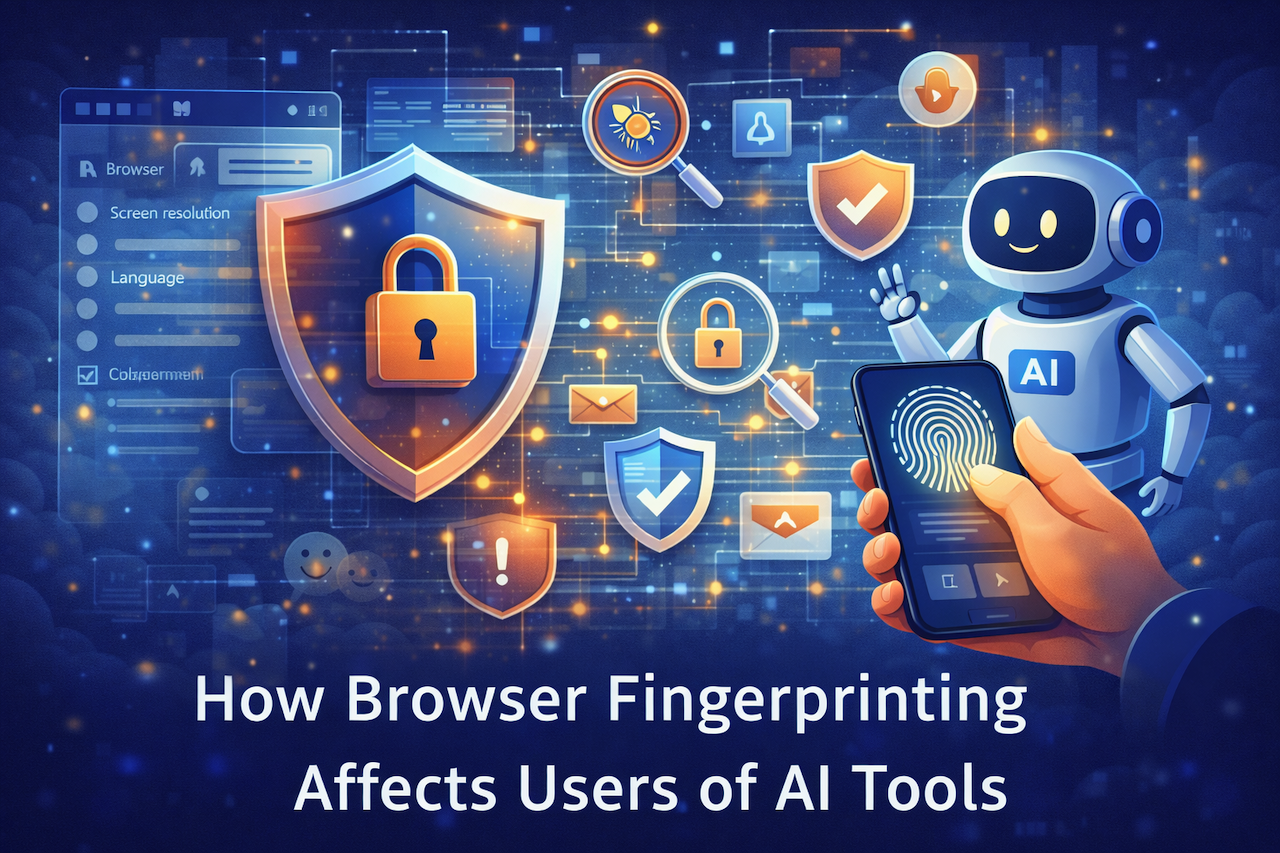
Featured Image generated by ChatGPT.
Share this post
Author

Read the latest articles from Miles Hale
Popular AI Tools and How They Shape Learning in 2026

March 10, 2026
Students use AI to check drafts, explain hard concepts, organize notes, and save time as deadlines close in. That shift has made one question feel much more relevant: What are popular AI tools? The answer says a lot about what students need most right now, and it often has less to do with creativity than [...]
Learn moreDomain Blacklist Check: What IP Data Says About Spam

December 10, 2025
Have you ever sent a perfectly normal email only to find out it was ghosted into someone’s spam folder? Or worse, your whole domain suddenly got flagged, and no one tells you why.
Learn moreLeave a comment
All comments are moderated. Spammy and bot submitted comments are deleted. Please submit the comments that are helpful to others, and we'll approve your comments. A comment that includes outbound link will only be approved if the content is relevant to the topic, and has some value to our readers.





Comments (0)
No comment