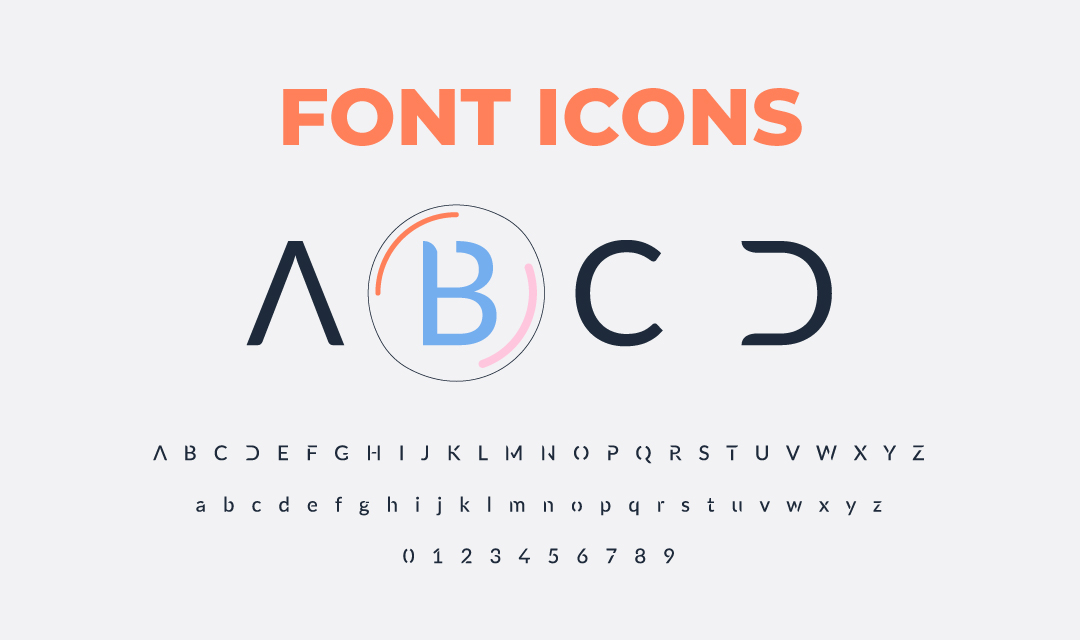
Search thousands of font icons from Material Symbols, Bootstrap Icons, Font Awesome, Ionicons, and Simple Line Icons.Preview each icon, filter by library or keyword, and copy its CSS class, HTML markup, or code point for your website or application.An icon font stores symbols as scalable font glyphs, so icons stay sharp at different sizes and can inherit familiar CSS properties such as color, font size, and line height. Classes are usually the easiest implementation option, while code points are useful for generated content and lower-level font integrations.Choose one visual family for related controls, and pair unfamiliar or important icons with text. Icon fonts are convenient for broad libraries, but a small SVG set may load faster when a project uses only a handful of symbols.
IP address, privacy, security, and web technology updates.
Do Not Sell or Share My Personal Information
At IPLocation.net, we prioritize the privacy and security of our visitors. We do not sell or share personal information collected from our website.
Your trust is important to us. Whether you are browsing for information or engaging with our content, any data you provide remains confidential under our privacy practices and applicable regulations.
If you have questions or concerns about our privacy practices, please contact us.