

Why Travel Security Starts Before You Leave Home
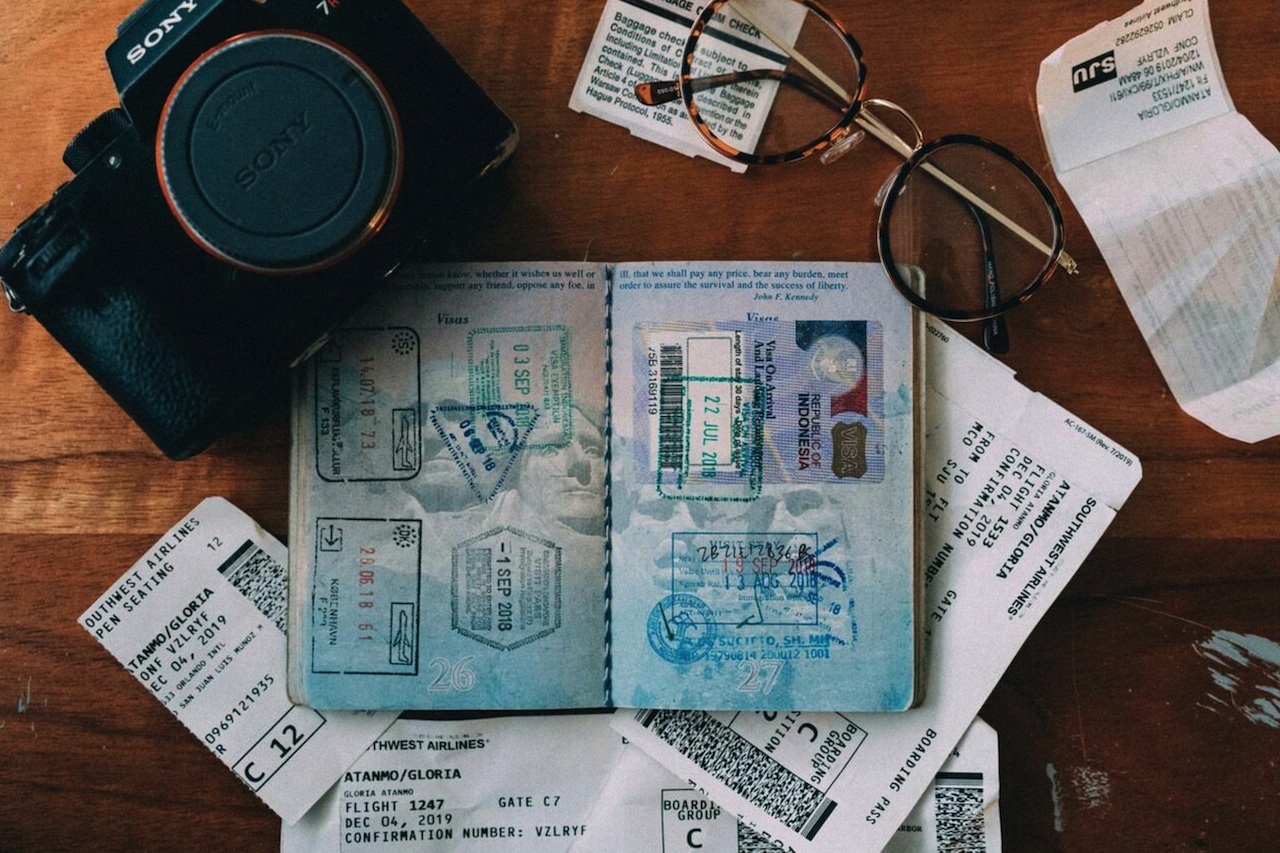
If you’re about to take a trip, chances are that you’re thinking about scoring a good hotel or bringing the perfect capsule wardrobe. But making sure that the trip goes smoothly isn’t just about the logistics anymore. After all, your digital identity travels with you, and it can be upended in an instant.
How can you stay safe? Before vacation brain kicks in, take a couple of hours back home to sort out the essentials. Here are the practical steps you can and should take to up your digital defenses before the upcoming trip.
Back up important documents
You should never rely on a single physical copy of a document, especially if it’s something as important as your ID or passport, when going on a trip. Even digital backups that exist only on your phone aren’t enough if someone decides to steal it.
It’s best to scan or take photos of all important documents, store encrypted backups on your phone, and create a secure cloud backup just in case. These include your:
- Passport
- ID
- Driver’s license
- Visa (if applicable)
- Flight information and tickets
- Hotel stay confirmation
- Important medical and vaccination info
- Emergency contacts
Update your devices and apps
Traveling means bringing your devices to new places and connecting them to unfamiliar networks. Patching them beforehand ensures you’re as safe as you can be from old and known exploits.
Make sure that device drivers, operating systems, apps, as well as browsers and their extensions, are up to date before you leave. Also, turn on automatic updates and tighten privacy settings.
Set up a reliable internet connection
You need a trusted way to go online whenever and wherever during the trip, and hunting for Wi-Fi doesn’t count. Besides, you might need to check in with someone at night or from the middle of nowhere, which Wi-Fi can’t help with.
Activating an eSIM plan for your destination before you leave is the most responsible thing you can do. eSIM services offer data plans that are cheaper than roaming equivalents. They’re also more convenient than physical SIMs because you get to keep your number. Better yet, a single eSIM plan can be valid for an entire region. This lets you tour multiple countries while always having internet access wherever there’s a mobile network.
Make sure your phone is secure
A stolen smartphone is surely a headache to replace. But at the same time, it can also cause a massive security breach. Thieves can access your email and authenticator app, which might put your accounts at risk.
Your phone should lock itself as soon as you’re done using it. Biometrics like your fingerprint or face scan should be the only means of access. It also makes sense to enable device tracking and wiping. You may be able to get the phone back that way, or at least make sure that it doesn’t become someone else’s gateway to your digital life.
Set up and test a VPN
eSIMs ensure safe and reliable connectivity. That said, Wi-Fi still makes sense for data-heavy uses like video calls with family back home or streaming your favorite shows. People tend to connect to public Wi-Fi at the earliest opportunity, usually from airports and nearby cafés.
Attackers know this and may set up fake hotspots for you to connect to. They can use these connections to reroute you to malicious sites or even take over accounts through session hijacking.
Install a VPN before leaving and test it to make sure it's routing your requests through its servers correctly. Once you're abroad, turn the VPN on before using public Wi-Fi. This will encrypt the connection, securing your privacy while also preventing tampering. That said, steer clear of free VPNs. These so-called “free” services are infamous for selling user data, which would end up costing you more than a premium subscription ever would.
Instead, consider searching for best VPNs Reddit discussions or other technology forums to compare user experiences with different VPN providers. Many paid VPNs advertise strong encryption, privacy-focused policies, and independent security audits, although features vary by provider.
Delete unnecessary data
Accounts aren’t the only things at risk of compromise. Every sensitive work file, private document, or password stored in plaintext that the thieves get their hands on only creates more problems for you that get harder to recover from down the line.
Do a once-over of every device you’ll bring along. Delete any sensitive or compromising files and old apps from it. Stick only to information you actually need.
Make your finances travel-ready
Sudden payments from abroad give banks and credit card companies pause. Flagged transactions may lead to blocked cards, which is the last thing you need abroad.
Notify your bank that you’ll be traveling a few days before the trip. This is also a good opportunity to think of contingencies. Consider backup wallets and payment methods, and be sure to enable transaction notifications in your banking app. That way, you’ll instantly become aware of stolen credit cards and can prevent the thieves from draining your accounts further.
Conclusion
Preparing for a trip today means protecting both your belongings and your digital information. Backing up important documents, updating your devices, securing your accounts, using trusted internet connections, and reviewing the data you carry can help reduce security risks while traveling. Taking these precautions before you leave can help you stay connected and better protect your personal information throughout your trip.
Comments
Comments are available to signed-in users and are moderated to keep the discussion useful and respectful. Spam, automated submissions, and low-value promotional comments are removed. Outbound links may be approved when they are relevant and genuinely helpful to readers, but they are displayed as plain text rather than clickable hyperlinks.
No comments have been published yet.
Please sign in to submit a comment.