
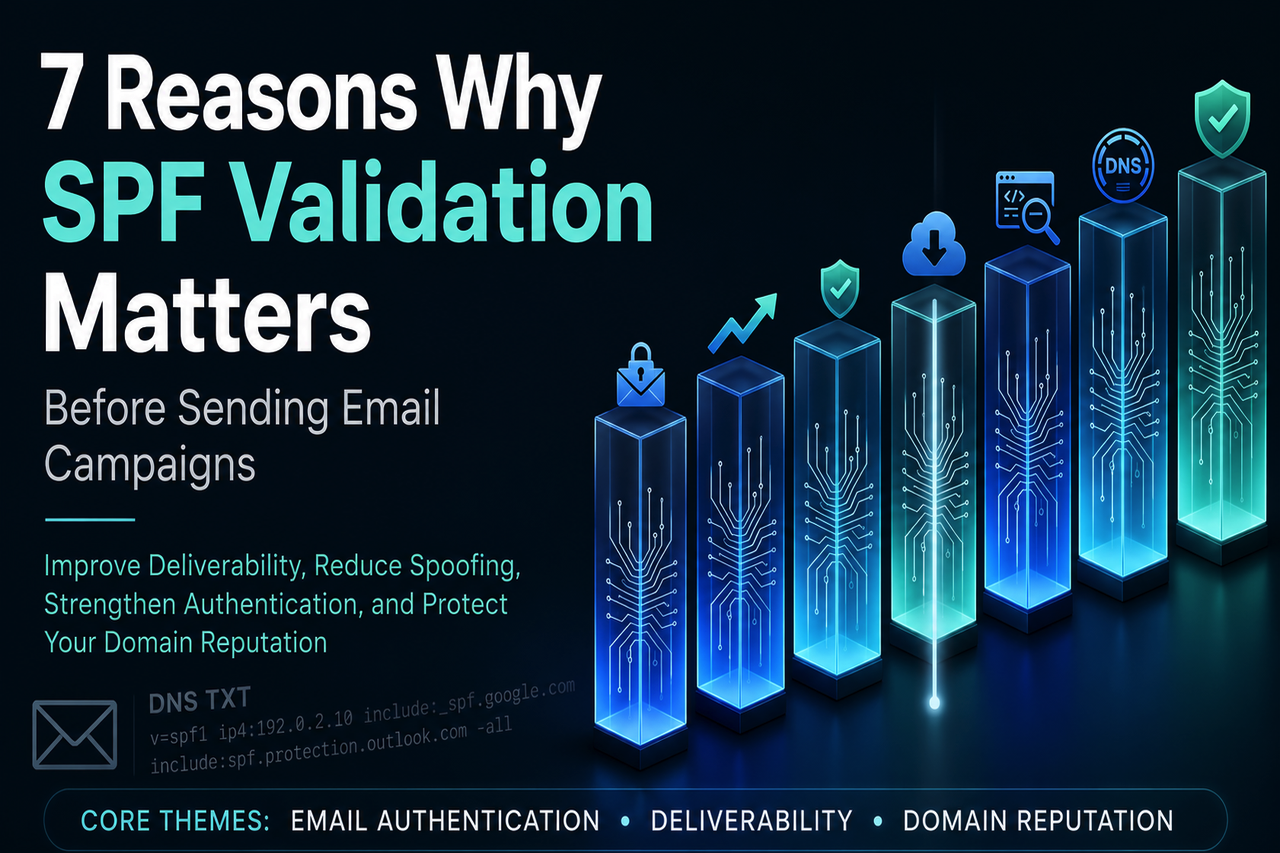
SPF validation is the process of verifying that a domain's Sender Policy Framework (SPF) record is present, correctly configured, and aligned with the organization's authorized sending infrastructure. Validation tools and lookup utilities help identify syntax errors, unauthorized sending sources, and other configuration issues that could affect deliverability or authentication.
This authentication protocol helps mailbox providers such as Google, Microsoft, Yahoo, and other receiving systems determine whether a message is legitimate by verifying that it originates from an approved sending source.
A typical record is published as a DNS TXT record, not a “TX record,” at the domain registrar or DNS hosting provider. It tells receiving mail servers which senders are authorized to use a specific domain name in the return-path address. Before sending a large mailing, SPF validation should be performed to confirm that the record exists, the configuration is healthy, and authorized sending sources are properly included. An SPF checker can help verify that the expected result is likely to be a pass rather than a fail.
How SPF Validation Works
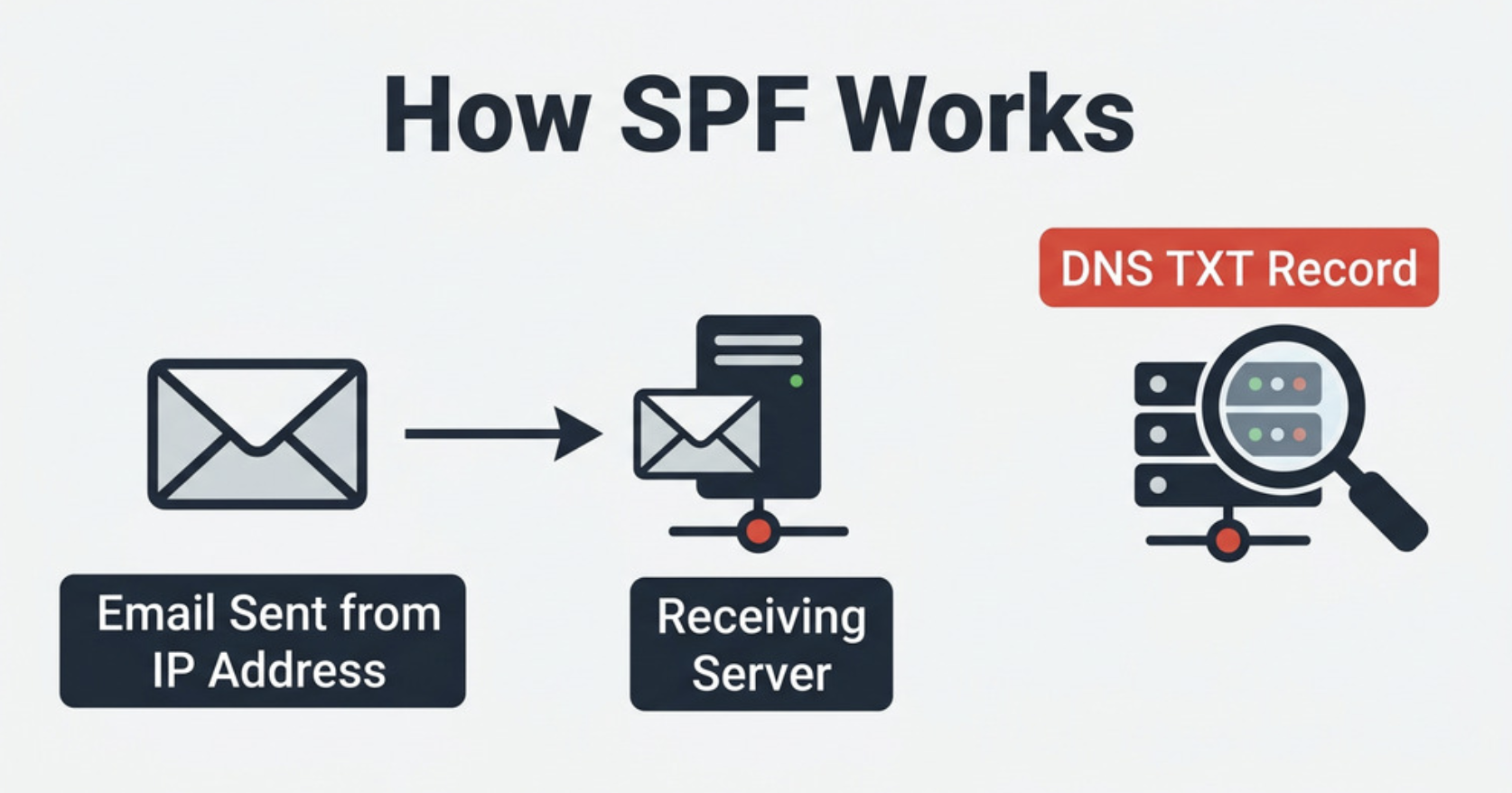
An SPF validation queries DNS for the record associated with a domain name. The process is similar to what you can perform manually with tools such as nslookup or dig by checking a domain's TXT records.
A quality lookup tool does more than retrieve DNS data. It can identify the published policy, count DNS mechanisms, evaluate include statements, and determine whether a specific IP address is authorized. For example, a sender using Google Workspace may need include:_spf.google.com, while a Microsoft 365 sender may require include:spf.protection.outlook.com.
What SPF Validation Checks
SPF validation checks mechanisms such as ip4, ip6, mx, a, and, where present, the discouraged ptr mechanism. It also evaluates the all qualifier, such as ~all, -all, or ?all, because that final instruction affects whether unauthorized mail produces a softfail, fail, or neutral result.
You can compare results across multiple SPF validation tools to confirm consistency before a major send.
SPF Record Example
A basic record example might look like:
v=spf1 ip4:192.0.2.10 include:_spf.google.com include:spf.protection.outlook.com -allThis example authorizes one IP address, includes Google and Microsoft sending infrastructure, and ends with a strict -all qualifier that instructs receiving servers to reject mail from unauthorized senders.
Why RFC 7208 Still Matters
RFC 7208 defines how Sender Policy Framework operates, including its limitations, DNS lookup processing rules, and compliance requirements.
Reason 1: Prevent Email Spoofing and Protect Your Sender Identity
Email spoofing occurs when attackers forge your domain name to make fraudulent messages appear legitimate. Without a properly configured record, a criminal can attempt to send messages from your brand's domain while bypassing weak authentication controls.
Phishing Prevention
Sender Policy Framework strengthens phishing prevention by allowing receiving systems to compare the sending IP address with the authorized senders listed in a domain's record. If the address is not permitted, the result may become a fail, signaling to mailbox providers that the message is potentially suspicious.
SPF, DKIM, and DMARC Work Together
Authentication works best when multiple standards are used together. DKIM, short for DomainKeys Identified Mail, adds cryptographic message signing, while DMARC tells receivers how to handle messages that fail authentication checks or alignment requirements. Together, these technologies provide stronger protection against spoofing and unauthorized sending than any single protocol alone.
Before a major send, teams should validate their records and verify DKIM and DMARC alignment as part of the pre-send review process. This is especially important when using third-party sending platforms or marketing services.
Reasons 2–4: Improve Deliverability, Reduce Bounce Rates, and Avoid Spam Folders
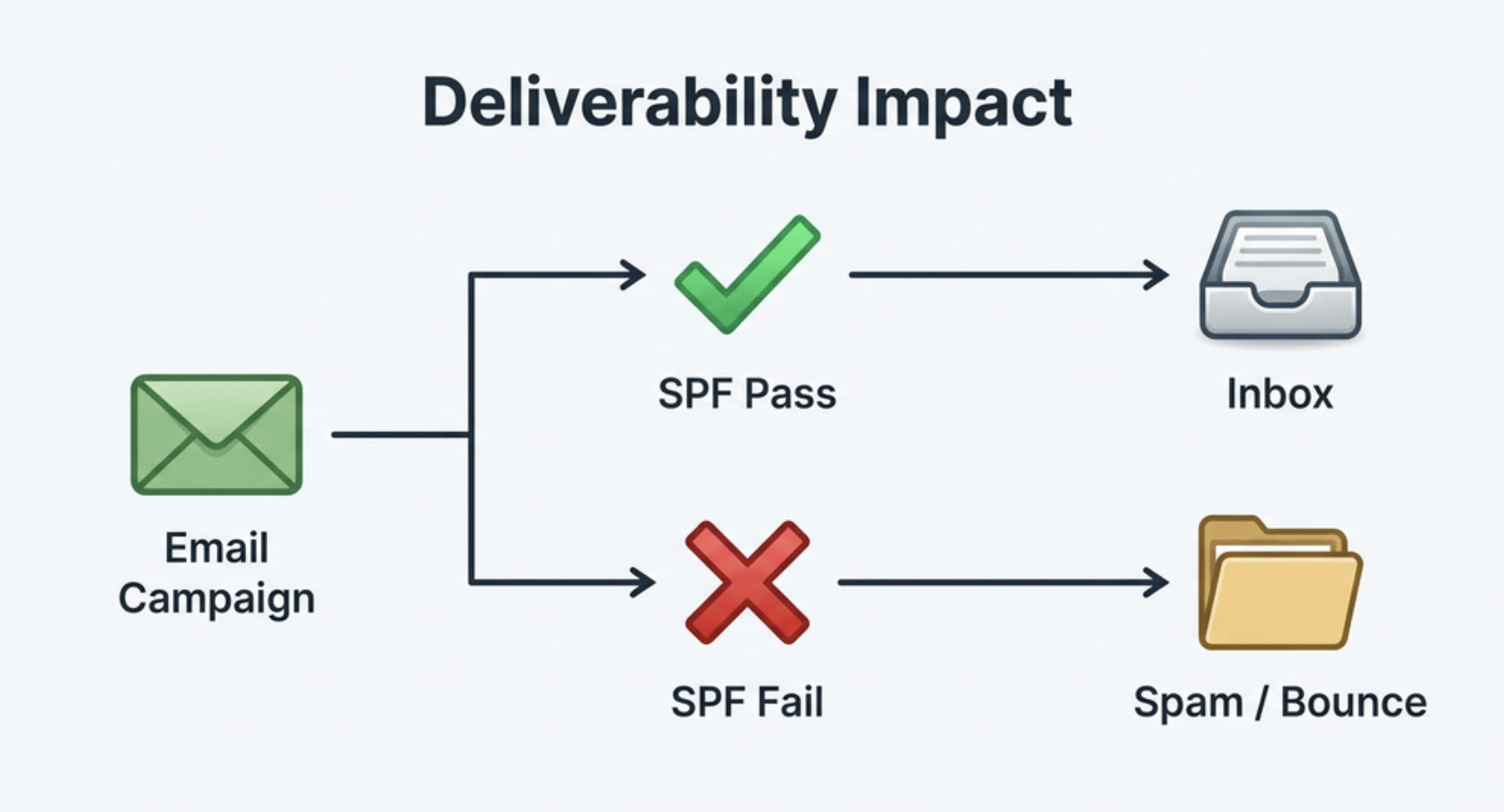
Deliverability depends on trust. If an SPF record is missing, malformed, or too permissive, mailbox providers may treat incoming messages as risky. Running a validation check before sending helps identify authentication issues before they affect inbox placement.
Reason 2: Improve Email Delivery at Major Providers
Major mailbox providers such as Google and Microsoft publish guidance for organizations configuring sending domains and mail infrastructure. Following those recommendations helps ensure that authorized sending services are correctly included in DNS records and aligned with authentication requirements.
If SPF validation confirms that Google Workspace, Microsoft 365, and other authorized sending platforms are configured correctly, messages are more likely to pass authentication checks.

Reason 3: Reduce Bounce Rates Caused by Authentication Failures
Authentication-related bounces can occur when a receiving mail server rejects messages because the sending IP address is not authorized by the domain's SPF policy. This is common when organizations add a new sending platform but forget to update the published record.
A validation tool can flag missing vendors, incorrect use of the include mechanism, and outdated IP address entries. It may also generate a report showing whether the record exists, what result was returned, and where configuration errors appear.
Reason 4: Avoid Spam Folder Placement
Spam filtering systems evaluate many signals, including engagement, complaint rates, content quality, sending history, DKIM, DMARC, and SPF. A properly configured record helps reduce authentication uncertainty and lowers the risk of messages being routed to spam folders.
As part of SPF validation, a lookup tool can help verify that the published configuration matches expected authentication requirements.
SPF Tags and Sender Alignment
SPF tags and mechanisms must align with the return-path address, not necessarily the visible From header. DMARC then evaluates alignment between the return-path domain and the visible domain name. This is why careful authentication planning matters before sending.
Reasons 5–6: Detect Record Errors and Stay Within DNS Lookup Limits
Authentication can fail even when a valid record exists. Problems are often hidden in syntax errors, excessive DNS lookups, duplicated entries, or obsolete mechanisms.
Reason 5: Detect Syntax and Configuration Errors
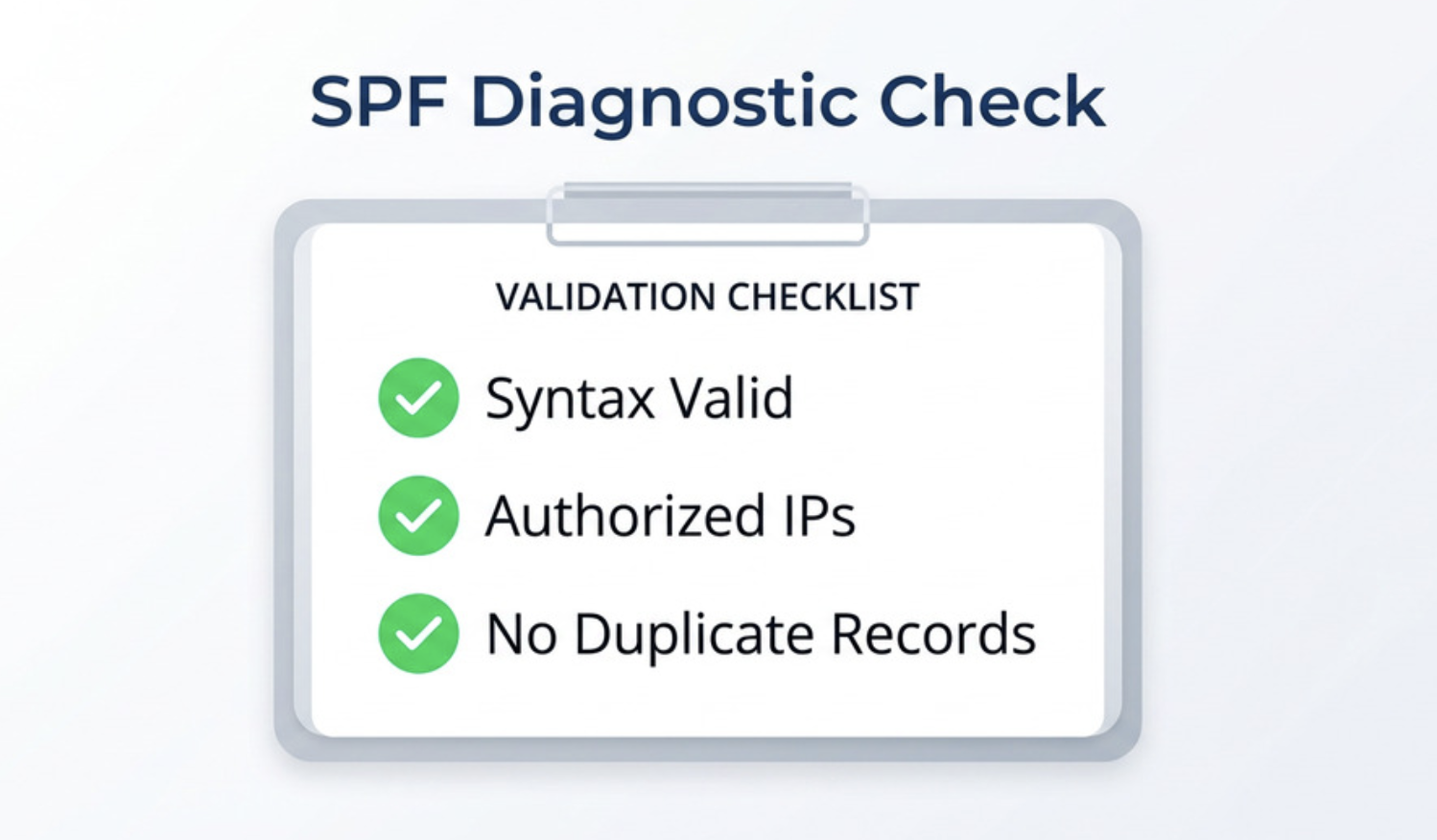
Common issues include multiple SPF records, misspelled mechanisms, invalid CIDR ranges, a missing v=spf1 declaration, or a broken include mechanism. SPF validation helps identify these problems quickly, often faster than manual troubleshooting with nslookup or dig.
A diagnostic tool can also compare the published policy against the actual mail server path. If your marketing platform sends from one IP address but the record authorizes another, authentication may fail even though the configuration appears to be present.
Reason 6: Stay Within SPF's 10 DNS Lookup Limit
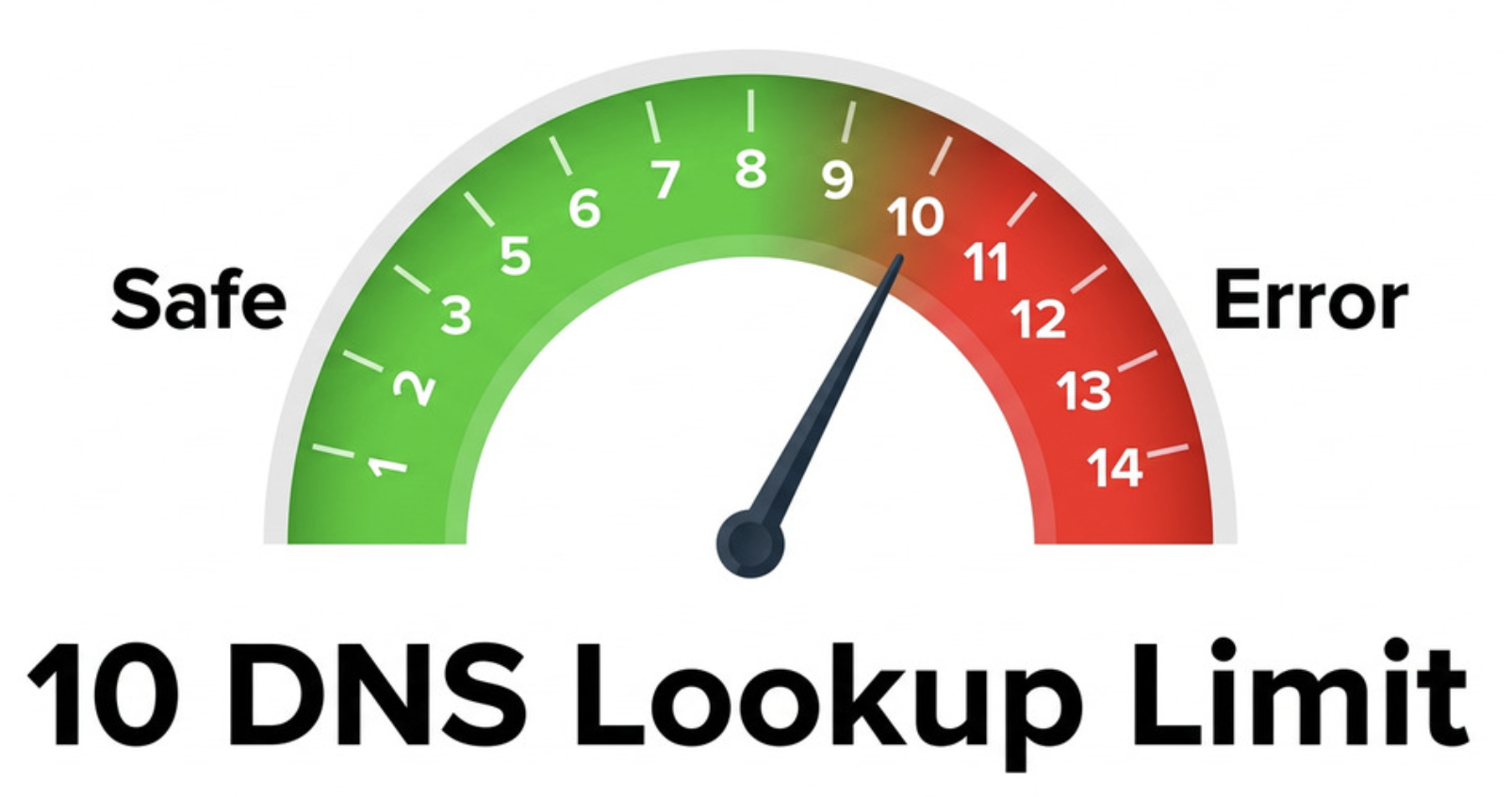
Sender Policy Framework limits evaluation to 10 DNS lookups. This limit includes mechanisms such as include, a, mx, ptr, exists, and redirect processing. Too many nested include mechanisms can break validation and cause authentication failures.
If the published record contains several vendors, such as CRM software, billing systems, helpdesk platforms, and third-party sending services, SPF validation should be performed before every major send to ensure the configuration remains within DNS lookup limits. For example, tools like the Kitterman SPF validator can be used to check whether an SPF record is valid and compliant with SPF specifications.
Mechanisms That Can Increase Risk
Mechanisms such as mx, a, and especially ptr can create unexpected DNS dependencies. The ptr mechanism is discouraged because it is slow and unreliable. Even valid ip4 and ip6 entries should be reviewed regularly because an old IP address may no longer belong to your sending infrastructure.
Reason 7: Strengthen Domain Reputation Before Every Campaign
Domain reputation is built over time and damaged quickly. Mailbox providers evaluate whether a domain behaves consistently, authenticates correctly, and avoids abusive patterns. Reviewing authentication settings before a major send helps protect that reputation and reduce the risk of delivery issues.
Use SPF Validation as a Pre-Send Control
SPF validation should be part of your pre-send QA process, along with content review, list hygiene, seed testing, DKIM verification, and DMARC monitoring. Before sending, confirm that the published record authorizes each sending source and that authentication checks are expected to pass.
Comparing results across multiple validation tools can also help identify configuration problems before launch. If different tools return conflicting results, review DNS settings, propagation timing, and record syntax to identify the source of the discrepancy.
Validate Every Sending Source
Each new vendor should be mapped to the published policy. That includes Google, Microsoft, Outlook, marketing automation platforms, transactional email systems, and any third-party email service that sends on your behalf. If the sender is not included, your email authentication chain may break.
Keep SPF Aligned with Broader Email Security
This protocol has limitations. It does not protect the visible From address on its own, forwarded messages can fail authentication checks, and DMARC alignment is required for stronger enforcement. Even so, it remains an important part of modern email authentication because it helps receiving systems verify that messages originate from authorized sending infrastructure.
Before every major send, review the published configuration, confirm that only one TXT record is present, and document the results in your pre-send checklist. Using multiple validation tools can also help verify settings and identify potential issues before messages are distributed.
Conclusion
SPF remains one of the most important components of modern email authentication. By verifying that only authorized mail servers can send messages on behalf of a domain, it helps reduce spoofing, improve deliverability, and strengthen overall security.
Before launching a major send, perform SPF validation to confirm that the published record is valid, correctly configured, and aligned with your current sending infrastructure. Combined with DKIM and DMARC, proper authentication settings can help protect domain reputation and improve the likelihood that legitimate messages reach the inbox.
Share this post
Leave a comment
All comments are moderated. Spammy and bot submitted comments are deleted. Please submit the comments that are helpful to others, and we'll approve your comments. A comment that includes outbound link will only be approved if the content is relevant to the topic, and has some value to our readers.






Comments (0)
No comment