
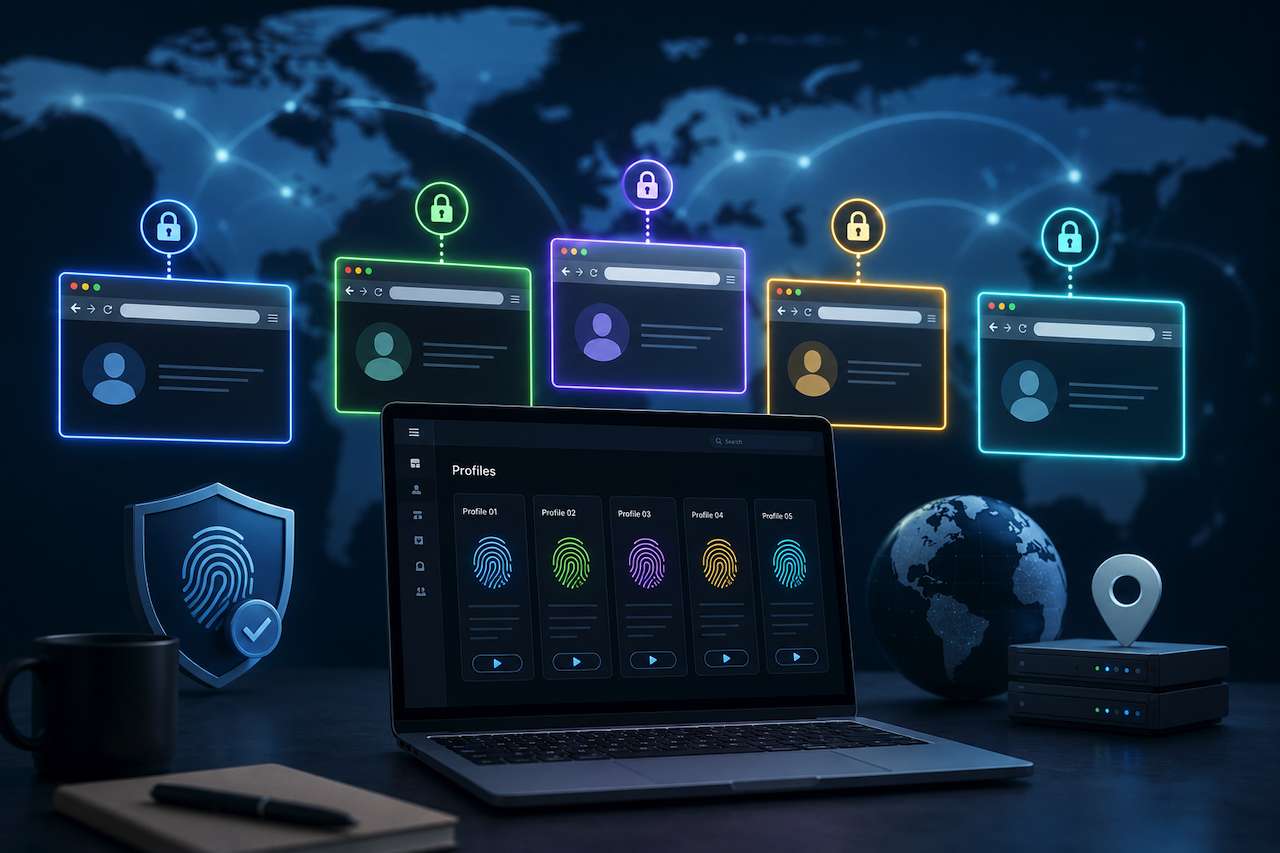
Managing multiple accounts in 2026 requires strict environmental isolation; even a slight overlap in your browser fingerprint can cause networks to flag your digital assets. To scale operations, finding an effective anti-detect browser is mandatory. This technical review evaluates leading anti-detect solutions based on their ability to manage digital identity entropy, maintain core browser consistency, and integrate high-quality residential proxy networks for global operations.
What Exactly Is an Antidetect Browser?
A common misconception in the digital space is that clearing your cookies, using a VPN, or opening Chrome’s Incognito mode will keep your accounts unlinked. It won't.
Today's websites track your "browser fingerprint," a specific combination of your hardware, operating system, system fonts, and graphics card. An antidetect browser fundamentally solves this problem by allowing you to blend in perfectly by creating entirely new, authentic-looking digital identities, rather than attempting to make you "invisible".
When you use an anti-detect tool, you are generating strictly isolated browsing environments. Think of it as having multiple completely different physical laptops, each connected to a different internet provider. This means you can log into multiple cross-border storefronts or run diverse ad campaigns simultaneously from a single device.
What's New in 2026 for Browser Fingerprinting Protection?
The landscape of multiple account management has shifted in 2026. Major platforms are now utilizing machine learning algorithms to detect anomalies in Canvas rendering and WebRTC leaks (test yours with our WebRTC Leak Test Tool). A modern browser profile manager must now offer:
- Dynamic Canvas Spoofing: Rather than injecting static noise (which is now easily detectable), modern tools must simulate authentic hardware rendering.
- Chromium Version Alignment: Anti-detect cores must update within 48 hours of official Google Chrome releases to prevent User-Agent and Feature API mismatches.
How We Tested (Our Methodology)
To ensure this review relies on objective data rather than marketing claims, our engineering team conducted a 72-hour benchmark test on each platform.
Testing Parameters
- Workload: 50 concurrent profiles running continuous Selenium/Playwright automation scripts.
- Scoring Tools: Evaluated via browserleaks.com, Pixelscan, and EFF's Cover Your Tracks.
- Metrics Assessed: Canvas noise detection, WebRTC local IP exposure, TCP/IP stack fingerprinting, and CPU/RAM resource consumption per profile.
7 Core Technical Features Evaluated
Evaluate every platform against this strict checklist:
- End-to-End Encryption: Profile data, cookies, and account passwords should be encrypted locally (e.g., via AES-256) before they reach the cloud. If a provider cannot explain their encryption standards, data is at risk.
- UI Efficiency: A modern, minimalist UI reduces human error when onboarding team members and significantly cuts down operational overhead.
- Premium Residential Proxy Integration: A virtual browser is only as effective as the IPs plugged into it. The platform must seamlessly support high-quality residential IPs to avoid triggering network security flags associated with blocked data center IPs.
- Effortless Scalability: Ensure the platform supports robust bulk-creation tools, seamless profile sharing, and granular permission controls for team members to handle large-scale global e-commerce operations.
- Rapid Browser Core Updates: Running on an outdated Chromium core will result in flags as detection algorithms update daily. Look for a provider with a high update frequency that mirrors real-world Google Chrome updates.
- Cost-to-Performance Ratio: Look for tools that deliver practical functionality, high pass rates, and stable environments at a fair, scalable price rather than overpaying for legacy brand names.
- Trial Availability: A free trial is required to run your own tests (such as checking for fingerprint leaks on Pixelscan) and to verify that the UI fits your workflow before committing financial resources.
Top 10 Best Antidetect Browsers for 2026: The Technical Breakdown
Here are the top 10 tools evaluated for network security, scalability, and overall value.
1. RoxyBrowser: Best for High-Volume AI Automation
Starting Price: $6.4/month, 10 profiles, one user
RoxyBrowser reduces multi-account overhead via its Navigator, an AI-driven interface replacing traditional RPA scripts with command-based automation. By supporting the MCP protocol, it automates complex tasks like account warming. This transition makes it a high-ROI solution for enterprise-scale businesses requiring rapid growth. For security, it uses kernel-level masking to spoof more than 210 parameters, ensuring that profiles pass strict entropy-based checks. The system seamlessly integrates over 90 million residential IPs, allowing users to bind premium IPs to isolated profiles rapidly.
2. Dolphin Anty: Built on Real-User Data
Starting Price: $10/month; 20 profiles to start your trial. $99/month if you add a user.
Dolphin Anty distinguishes itself by pulling digital fingerprints from a database of actual, everyday web users to generate its virtual environments. This approach helps profiles blend in naturally. It is highly compatible with macOS and Windows, making it a popular choice for affiliate marketers who monitor active networks directly from a central dashboard.
3. AdsPower: The Go-To for Crypto & Web3
Starting Price: $11.2/month, 10 profiles, one user
If you are managing multiple cryptocurrency wallets or blockchain gaming profiles, AdsPower is a solid contender. It excels in batch operations, allowing users to create and switch between hundreds of profiles easily. It also maintains a strong focus on secure data transmission to protect sensitive Web3 assets.
4. GoLogin: Flexible Cloud-Based Management
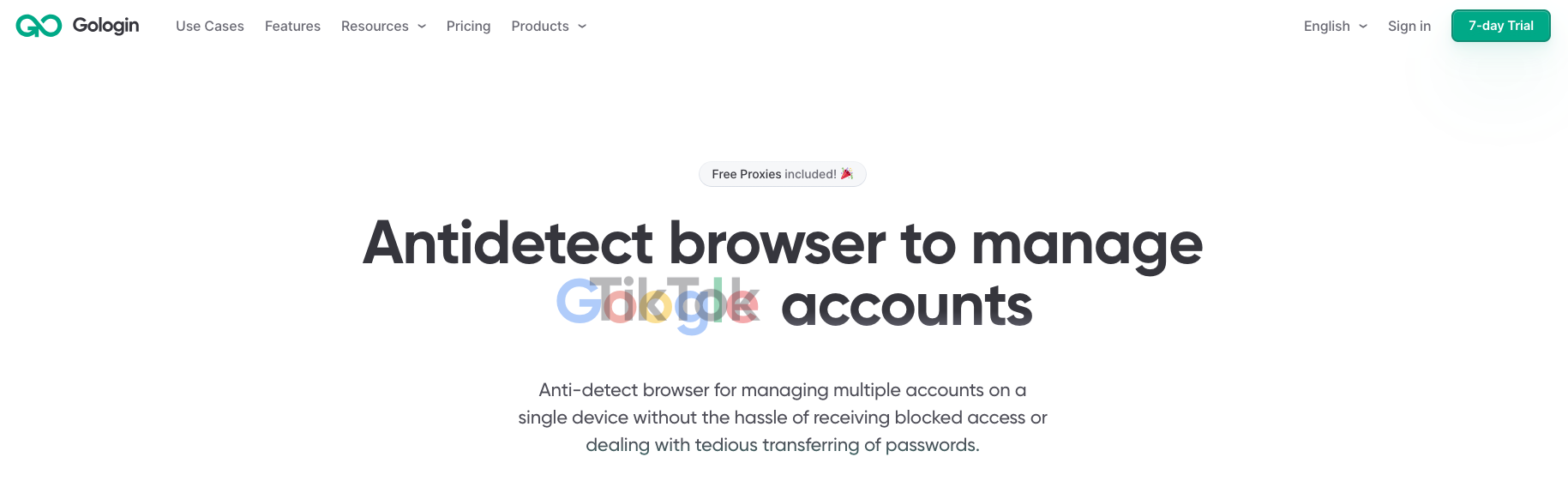
Starting Price: $9/month, 10 profiles, one user
GoLogin offers a dedicated Android app, allowing you to monitor isolated profiles directly from your smartphone. It is a highly flexible option for users who prioritize mobility and cloud-based profile storage.
5. Multilogin: The Legacy Enterprise Giant
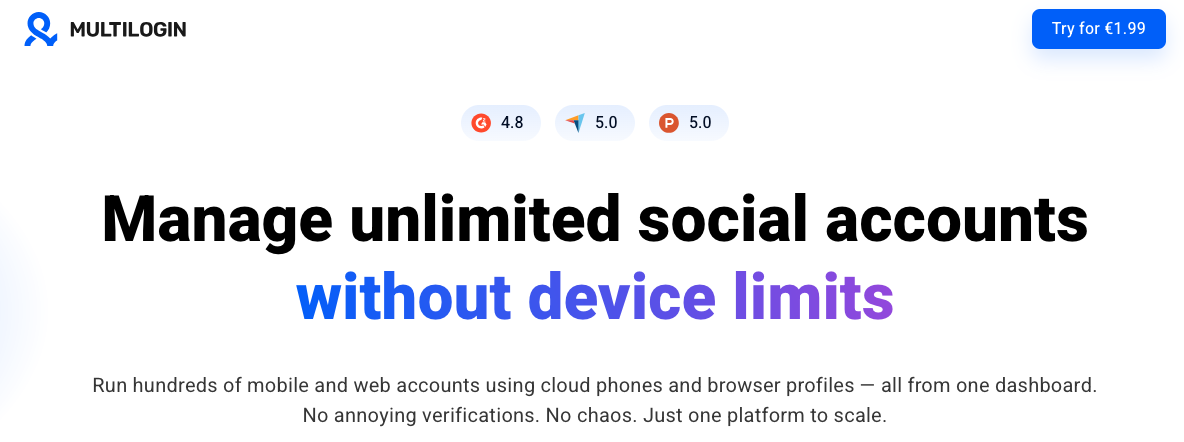
Starting Price: $12.18/month, 10 profiles, one user
As one of the oldest players in the space, Multilogin is an absolute powerhouse. It offers deep automation capabilities, advanced profile sharing, and robust granular permission controls. Due to its enterprise-level price tag, it is generally best suited for massive agencies requiring complex, multi-tiered team workflows.
6. Incogniton: Strong Automation Capabilities
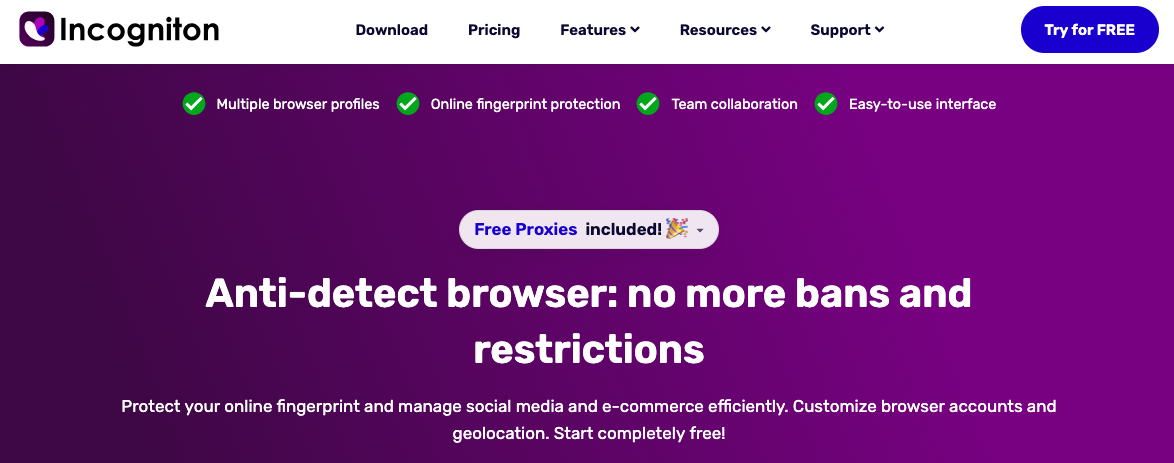
Starting Price: $29.99/month, 10 profiles, one user
Incogniton natively supports Selenium-based automation scripts and enables bulk profile creation. One of its notable features is "human typing emulation," which mimics the natural keystroke speed of a real person when filling out forms to bypass bot-detection algorithms.
7. Kameleo: Focused on Mobile Emulation
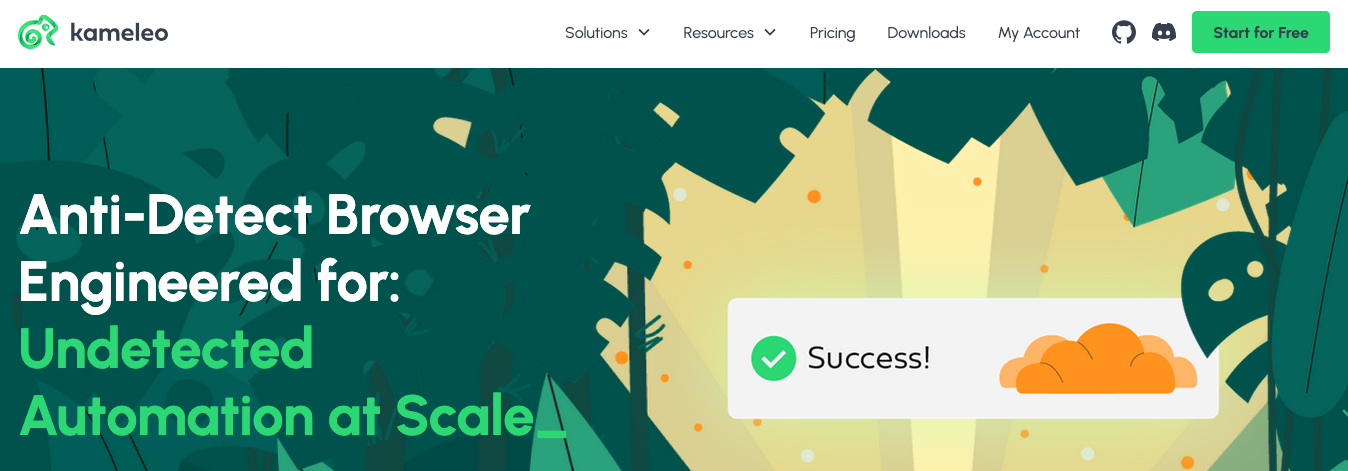
Starting Price: $79.85/month, 10 profiles, unlimited users
Kameleo specializes in virtualizing iOS and Android environments. You can run emulated mobile profiles directly from your Android phone, making it highly effective for mobile-first advertising and social media management.
8. Octo Browser: Deep Code-Level Obfuscation
Starting Price: $39.25/month, 10 profiles, unlimited users
By rewriting the Chromium core from the ground up, Octo Browser effectively defends against deep hardware and behavioral fingerprinting. The interface is intuitive and runs smoothly, making it ideal for managing complex multi-account matrices.
9. MoreLogin: Cross-Border E-commerce
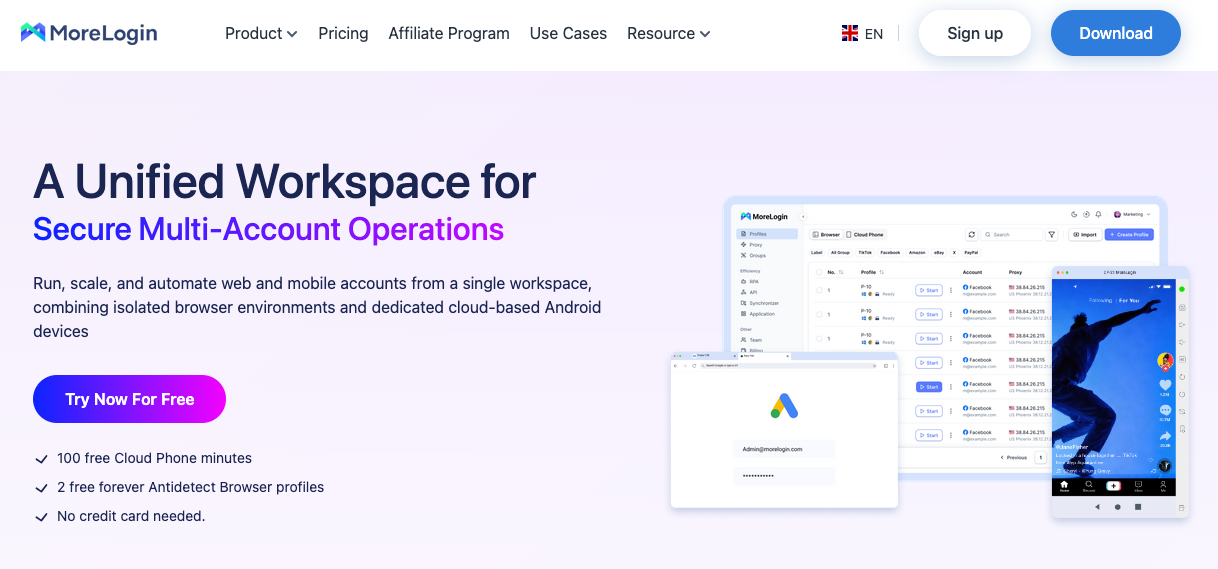
Starting Price: $9/month, 10 profiles, 2 users
MoreLogin offers a unique cloud-based device-fingerprint simulation, drawing on its Canvas database of millions of real global users. It is highly cost-effective and optimized for managing social media matrices, making it a preferred choice for small to medium-sized global sellers.
10. Undetectable.io: Unlimited Local Environment Storage
Starting Price: $49/month, unlimited profiles, 1 user
Unlike platforms that charge based on cloud limits, Undetectable.io allows users to create, store, and manage an unlimited number of browser profiles on their local hard drives. This drastically reduces maintenance costs for studios that need to maintain thousands of low-frequency accounts over the long term.
2026 Technical Benchmarks: Fingerprint Integrity and Leak Protection Performance
To verify the stealth capabilities of each tool under high-pressure scenarios, our engineering team conducted a 72-hour simulated stress test in a controlled environment. The evaluation focused strictly on how accurately each browser core processes and obfuscates fingerprint vectors. We utilized industry-standard diagnostic platforms, Pixelscan and Browserleaks, for real-time integrity monitoring.
The chart below reflects the performance of each tool under default configurations, specifically testing Canvas environmental noise rendering, WebRTC real IP masking, hardware fingerprint obfuscation, and TCP/IP stack consistency.
| Browser | Pixelscan / Browserleaks Status | Automation Support | Resource Usage (RAM) |
|---|---|---|---|
| RoxyBrowser | Consistent (Pass) | Advanced (AI Navigator) | Low (Core Optimized) |
| Multilogin | Consistent (Pass) | Deep (Selenium/Puppeteer) | Medium |
| AdsPower | Consistent (Pass) | Supported (RPA Bots) | Low |
| Dolphin Anty | Consistent (Pass) | Basic | Medium |
| Octo Browser | Consistent (Pass) | Partial Support | Medium |
| Incogniton | Minor Leaks (Hardware Concurrency) | Advanced | Medium |
| GoLogin | Consistent (Pass) | Partial Support | Low |
| Kameleo | Minor Leaks (WebRTC Exposure) | Supported | High |
| MoreLogin | Consistent (Pass) | Basic | Low |
| Undetectable.io | Minor Leaks (Canvas Noise Monitor) | Basic | Low |
Conclusion
Anti-detect browsers have evolved from niche tools into specialized platforms designed to manage browser fingerprint isolation, profile separation, and large-scale account operations more reliably. As detection systems become more advanced in 2026, factors such as browser core consistency, WebRTC leak prevention, automation support, and residential proxy integration play a larger role in maintaining stable environments.
The right platform ultimately depends on operational needs, whether that involves automation workflows, cross-border e-commerce, social media management, or large-scale testing environments. Evaluating fingerprint consistency, update frequency, scalability, and resource efficiency remains essential before committing to any long-term workflow.
 FAQs
FAQs
The ideal tool must offer a lightweight, resource-efficient interface that supports bulk profile creation. It must also seamlessly integrate with premium residential IPs without consuming excess RAM.
Completely free tools often leak browser fingerprints and utilize low-quality IPs that trigger platform restrictions. The safest free options are premium platforms that provide a zero-risk trial, allowing you to test encryption and proxy integrations first.
It should support strong fingerprint isolation, stable browser environments, and high-quality residential proxy integration to reduce the risk of account linking or IP-based restrictions when managing multiple channels or campaigns.
No. Top-tier browsers are highly resource-efficient because they modify the fingerprint directly at the core of the browser rather than running heavy virtual machines. A standard PC can run dozens of isolated profiles smoothly.
Permanently free tools often lack necessary core updates or compromise on essential end-to-end encryption. A single leaked fingerprint can disrupt your network; investing in a secure, trial-backed browser guarantees long-term asset protection.
The industry standard in 2026 requires kernel-level fingerprint obfuscation to prevent websites from detecting the "masking" itself. The ability to accurately mirror real-world Chromium update cycles is also essential to avoid flags from platforms tracking outdated browser versions.
Disclaimer
This article reflects the author’s independent perspective and technical evaluation based on publicly available information, platform testing, and personal analysis at the time of writing. Features, pricing, performance, and security capabilities of the tools mentioned may change over time.
Readers should conduct their own research, testing, and due diligence before using any anti-detect browser, proxy network, or account management platform. iplocation.net is not liable for any operational, financial, legal, security, or account-related issues that may arise from the use of the products or services referenced in this article.
Featured Image generated by ChatGPT.
Share this post
Author

Read the latest articles from Beatrix Storch
Vision Antidetect Browser Review 2026: Features, Pricing & Performance
May 13, 2026
Browser.vision is an anti-detect browser designed to run multiple accounts on a single computer without risking bans or blocks. It creates a unique browser fingerprint for each profile, so each login appears to be a real user from a different device and location, making profiles appear as separate browser environ [...]
Learn moreLeave a comment
All comments are moderated. Spammy and bot submitted comments are deleted. Please submit the comments that are helpful to others, and we'll approve your comments. A comment that includes outbound link will only be approved if the content is relevant to the topic, and has some value to our readers.




Comments (0)
No comment