

What Your Visitors' IP Addresses Tell You About Your Website Traffic
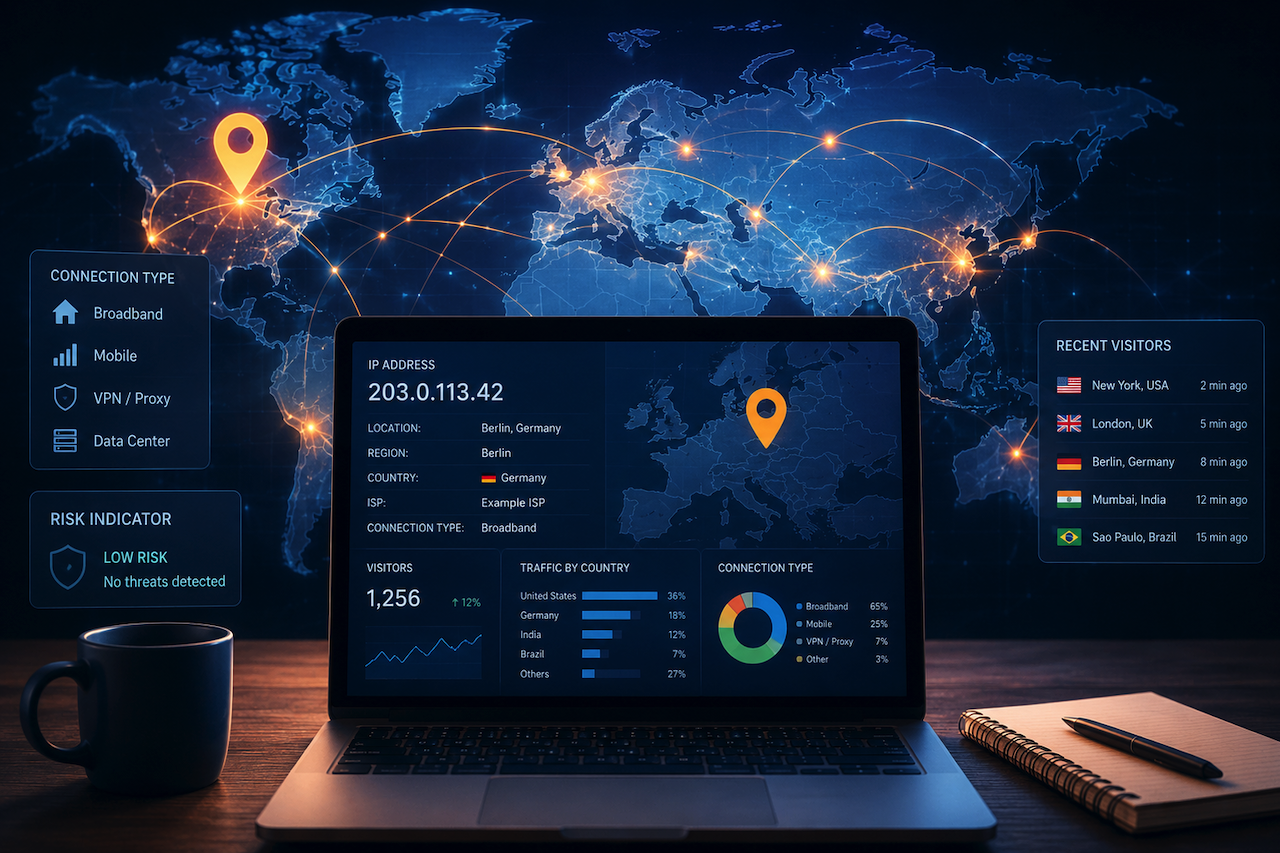
Every visit to your website leaves a digital footprint. Among the most useful — and most misunderstood — pieces of that data is the visitor's IP address. It's more than just a string of numbers; it's a window into where your audience is coming from, how they're connecting, and occasionally, whether something suspicious is going on.
What an IP Address Actually Reveals
Geographic Location
The most obvious insight from IP data is its geographic aspect. An IP address can be mapped to a country, region, and often a city — not with postal-code precision, but close enough to understand your audience at a macro level. If you're running a US-focused blog and suddenly 40% of your traffic is coming from Eastern Europe, that's worth investigating. It might be a bot sweep, a social share that went viral in an unexpected market, or a legitimate new audience segment. Either way, you'd want to know.
Using an IP geolocation lookup tool, site owners can cross-reference visitor IP addresses against location databases to see how geographically diverse their traffic really is — without needing a full analytics stack.
Connection Type and ISP
Beyond location, IP data can hint at connection type. Visitors arriving through known VPN or proxy services behave differently from organic visitors, and spotting that pattern early can inform everything from content delivery settings to basic fraud prevention. Some IPs are associated with known data center ranges, which often signals automated traffic rather than a real person.
Pairing IP Intelligence with Visitor Analytics
Knowing where visitors are coming from is only half the picture; you also need to know how many are showing up, how often, and where they land. That's where lightweight visitor tracking tools earn their place.
Some website owners pair IP-based geolocation data with lightweight visitor counters to better understand traffic patterns without relying on complex analytics platforms. The relaunch of E-zee Internet is one example of this approach, combining traditional visitor counter functionality with modern features such as real-time statistics and integrations with platforms like WordPress, Shopify, and Webflow. For smaller websites, combining geolocation lookups with basic visitor tracking can provide a simple overview of who is visiting and where traffic is coming from.
A Note on Privacy and Data Handling
IP Addresses Are Personal Data
IP addresses are classified as personal data under the GDPR, which means handling them requires care if you have any EU-based visitors. The European Data Protection Board has confirmed that even dynamic IP addresses qualify as personal data in most circumstances. Storing raw IPs without a lawful basis or clear retention policy is a compliance risk worth taking seriously.
Practical Privacy Steps
Best practice is to anonymize or truncate stored IPs — logging the first three octets instead of the full address is a common approach that preserves geographic usefulness while reducing identifiability. Document your data retention policies and, where consent is required, make it easy for users to understand what's collected.
Conclusion
Understanding your traffic is only useful if you act on it. Whether you're spotting bot patterns, tailoring content for a regional audience, or simply confirming your site is reaching real people, IP geolocation is a practical, underused tool that doesn't require enterprise-level infrastructure. Combine it with a lightweight visitor counter, and you have a solid foundation for data-informed decisions without drowning in dashboards.
 FAQs
FAQs
No. IP geolocation resolves to a city, region, or ISP — not a street address. Pinpointing a specific household requires additional identifying data and a legal process.
Not always. VPNs, mobile networks, and carrier-grade NAT can skew results. Treat it as a useful directional signal rather than ground truth.
Under GDPR, if you serve EU users, generally yes, or you need a documented legitimate interest basis. Consent is the cleaner path for most small publishers.
Visitor counters give you raw visit counts and basic geographic or referral stats. Full platforms like GA4 add behavior flows, event tracking, and conversion funnels — at the cost of setup complexity and, often, heavier privacy implications.
Yes. Most CDNs and server configurations support geo-blocking by IP range. It's a practical tool against region-specific bot traffic, though determined actors using VPNs can route around it.
Featured Image generated by ChatGPT.
Related Articles
June 30, 2026
Why IP Geolocation Is Often Wrong (and How Leased IPv4 Changes It)
Run your own address through an IP lookup tool and there’s a fair chance the result is off — sometimes by a city, sometimes by a country, occasionally by a continent. This isn’t a...
Read More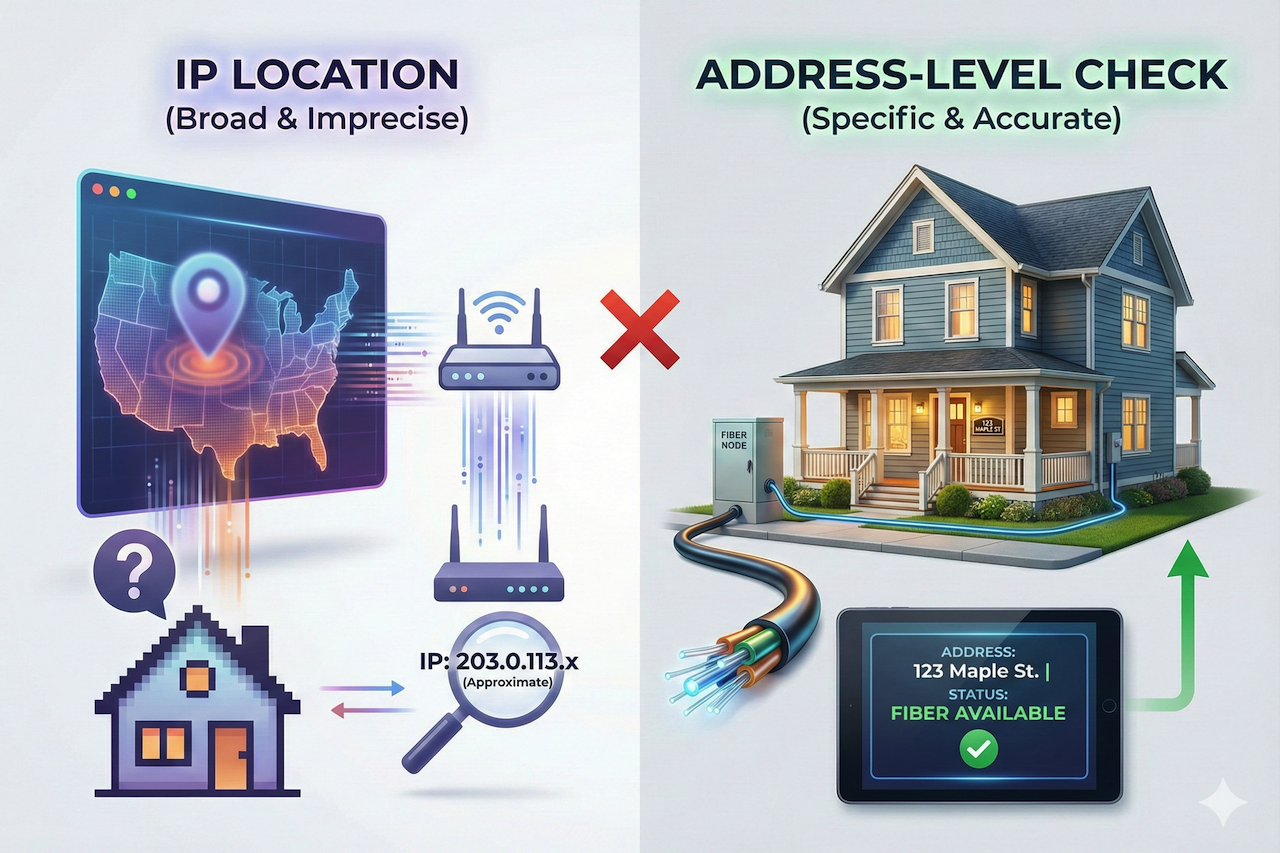
January 27, 2026
How IP Address Location Helps Determine Fiber Internet Availability
When users want to know whether fiber internet is available at their home, one of the first tools they often turn to is an IP address location lookup. IP geolocation can reveal...
Read More
October 9, 2025
Understanding IP Location: What It Is and Why It Matters
In our digital world, every device connected to the internet has an IP address — a unique string of numbers that identifies your device on the network. But did you know that this I...
Read More
Comments
Comments are available to signed-in users and are moderated to keep the discussion useful and respectful. Spam, automated submissions, and low-value promotional comments are removed. Outbound links may be approved when they are relevant and genuinely helpful to readers, but they are displayed as plain text rather than clickable hyperlinks.
No comments have been published yet.
Please sign in to submit a comment.