

IPLocation.net Resource
IP Address Hub: Lookup, Types, Privacy and Security
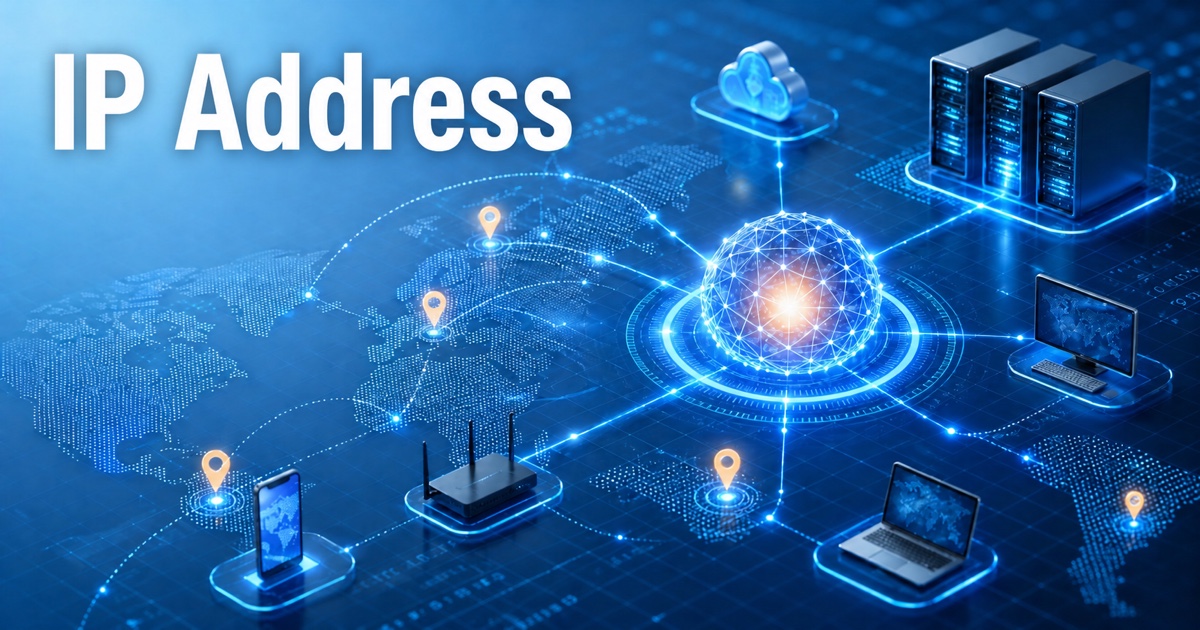
An IP address is the network identifier that makes internet communication possible. Websites, apps, routers, mail servers, VPNs, proxies, and security systems all rely on IP addresses to route traffic and understand where a connection appears to come from.
This hub brings together IPLocation.net's practical IP address tools and educational resources. Use it to check your own public IP address, research another IP, compare IPv4 and IPv6 concepts, and understand how IP data is used in privacy, geolocation, fraud review, and cybersecurity.
Choose the right IP address tool
What Is My IP Address?
See the public IPv4 or IPv6 address visible from your current browser, along with ISP, approximate location, browser, and privacy exposure signals.
IP Lookup and IP Checker
Use IP Lookup as an IP checker for an address or domain to review geolocation, ISP, ASN, hostname, VPN, proxy, and network ownership details.
Bulk IP Lookup
Check multiple IP addresses in one workflow for log review, abuse triage, fraud research, and network cleanup.
Where Am I?
Compare browser/device location with IP-based location so you can understand why services may place you in different regions.
Learn IP address fundamentals
If you want the complete plain-English explanation, start with What Is an IP Address?. It explains how Internet Protocol addressing works, why IPv4 and IPv6 both matter, and how public and private addresses are used in real networks.
- IPv6 Address: why IPv6 exists and how it differs from IPv4.
- Public vs. Private IP Address: internet-routable addresses compared with local network addresses.
- Static vs. Dynamic IP Address: fixed addresses compared with ISP-assigned changing addresses.
- Subnet Mask: how networks divide address space.
- CIDR: how modern address blocks and route aggregation work.
Understand IP location, accuracy, and context
IP geolocation maps address ranges to countries, regions, cities, ISPs, organizations, and network types. It is useful for analytics, localization, abuse review, fraud prevention, and security investigation, but it should be treated as contextual data rather than exact physical location.
Practical rule: IP location is usually strongest at country level, useful at region level, and more variable at city level. Mobile networks, VPNs, proxies, enterprise gateways, and ISP routing can all make a result appear away from the user's physical location.
For more detail, see Geolocation Accuracy.
Connect IP addresses to privacy and cybersecurity
An IP address usually cannot identify a person by itself, but it can reveal approximate location, ISP, organization, network type, and repeated activity from the same connection. That makes IP data valuable for security teams and important for privacy-conscious users.
Online Privacy
Learn how IP addresses combine with cookies, browser signals, account activity, and device data to create a broader privacy picture.
Cybersecurity
Explore how IP intelligence, DNS, VPN and proxy checks, abuse signals, and access logs support defensive decisions.
Hide IP Address
Compare VPNs, proxies, Tor, mobile networks, and other options for reducing public IP exposure.
Privacy Check
Review the browser, device, and network signals that websites may observe during a normal visit.
Common IP address questions
Can an IP address identify my exact home address?
Usually no. IP geolocation may estimate a country, region, city, ISP, or organization, but it normally does not reveal an exact street address. Internet providers may have subscriber assignment records, but those records are not public lookup data.
Why does my IP address location look wrong?
Your traffic may exit through a VPN, proxy, corporate gateway, mobile carrier, satellite provider, or ISP routing point. Geolocation databases also update at different speeds, so recent network changes may not appear everywhere immediately.
Should I use a VPN or proxy to change my IP address?
A VPN is usually the simplest full-device privacy option. A proxy is often better for app-specific routing or testing. Use VPN Check and Proxy Check to confirm how your connection appears.
How IP addresses work
Every device that communicates over an IP network uses an address so routers know where to send requests and responses. Your home or office router normally presents one public IP address to the internet while assigning private addresses to devices inside the local network. Network address translation (NAT) keeps those private addresses from being routed directly across the public internet.
IPv4 and IPv6
IPv4 uses 32-bit addresses such as 192.0.2.1, which provides about 4.3 billion possible values. IPv6 uses 128-bit addresses such as 2001:db8::1, providing vastly more address space and reducing the pressure that led to widespread address sharing. Many networks use both protocols while the internet continues its gradual IPv6 transition.
Public, private, static, and dynamic addresses
A public IP address is reachable through the internet, while a private address is intended for a local network. A static IP address remains fixed until it is changed, while a dynamic address is leased and may change over time. Neither assignment method makes an address inherently safer; security depends on configuration, firewalls, updates, and access controls.
Subnets, CIDR, and routing
A subnet mask or CIDR prefix identifies which part of an address represents the network. Routers use these prefixes to select a path for traffic. Special-use ranges also exist, including loopback addresses for the local device, private ranges for internal networks, and documentation ranges reserved for examples.
What an IP address can reveal
IP intelligence can often identify a country, region, internet service provider, autonomous system, and probable network type. City-level results are estimates and an IP address does not reveal an exact street address or a person's identity by itself. VPNs, proxies, mobile gateways, corporate networks, and ISP routing can all make the apparent location differ from the user's physical location.
Check and manage your IP address
Use What Is My IP Address? to see the address exposed by your current connection, or run an IP lookup for another address. If your goal is privacy, compare the practical methods in our Hide IP Address and Change IP Address guides.
Editorial review
IPLocation.net maintains this hub as an evergreen reference for IP lookup, geolocation, privacy, and cybersecurity topics. We prioritize practical explanations, clear limitations, and internal resources that help readers move from a quick IP check to deeper network understanding.