
Many people who buy used phones later discover their device is blacklisted. This happens when a phone is reported stolen or linked to unpaid bills. As a result, a blacklisted phone cannot access networks. It should be checked to ensure that the phone is in good condition before spending money.
An easy way to do this is by checking the IMEI number online. Fortunately, it is easy to check a phone online with the help of such tools as Dr.Fone. Upon confirming the device’s condition first, you save time and money. So, this guide will explain clear steps for an IMEI check and identify blacklisted phones.
Part 1. What “Blacklisted” Means on a Smartphone
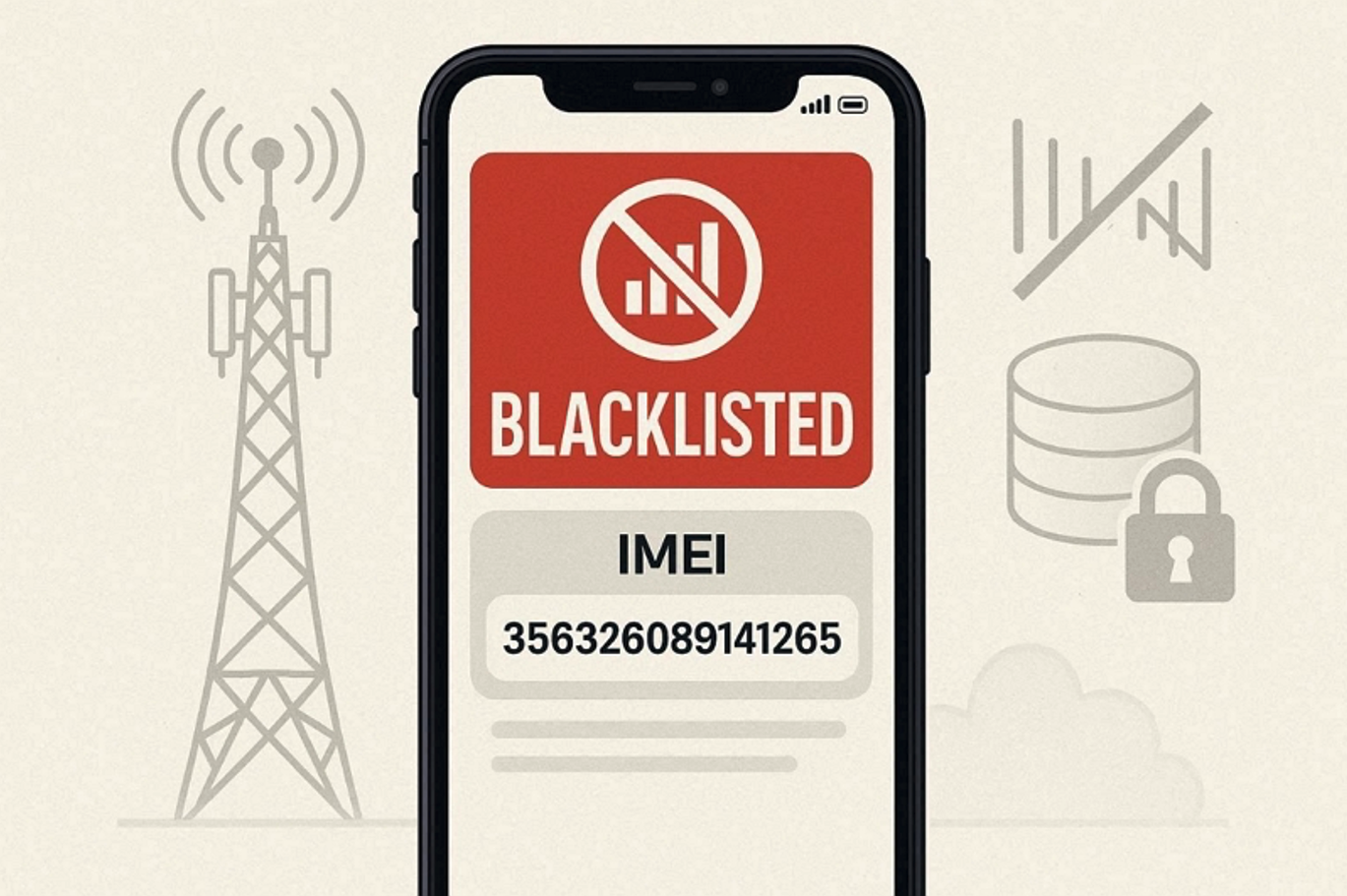
A "blacklisted" smartphone means its unique identification number, known as IMEI or ESN, is blocked. Mobile networks use this number to decide if a phone can receive regular service. A blacklisted telephone would not be able to access the carriers and make calls or send data. This status is appended in case a device is found stolen or has unpaid bills.
Carriers share this information through a central database to prevent misuse or fraud. There are sellers who conceal a blacklist, and therefore, it saves money and stress by checking in advance. Even after changing the SIM, the phone will remain blocked. Running an IMEI check or IMEI unlock check helps reveal this restriction before buying any phone.
Part 2. 5 Signs a Phone Might Be Blacklisted
Many times, it’s not easy to know if a phone is blacklisted right away. Yet, several warning signs can help you detect this issue before trying an unlock IMEI test. Below, you will find a few common signs that may indicate your phone is blacklisted:
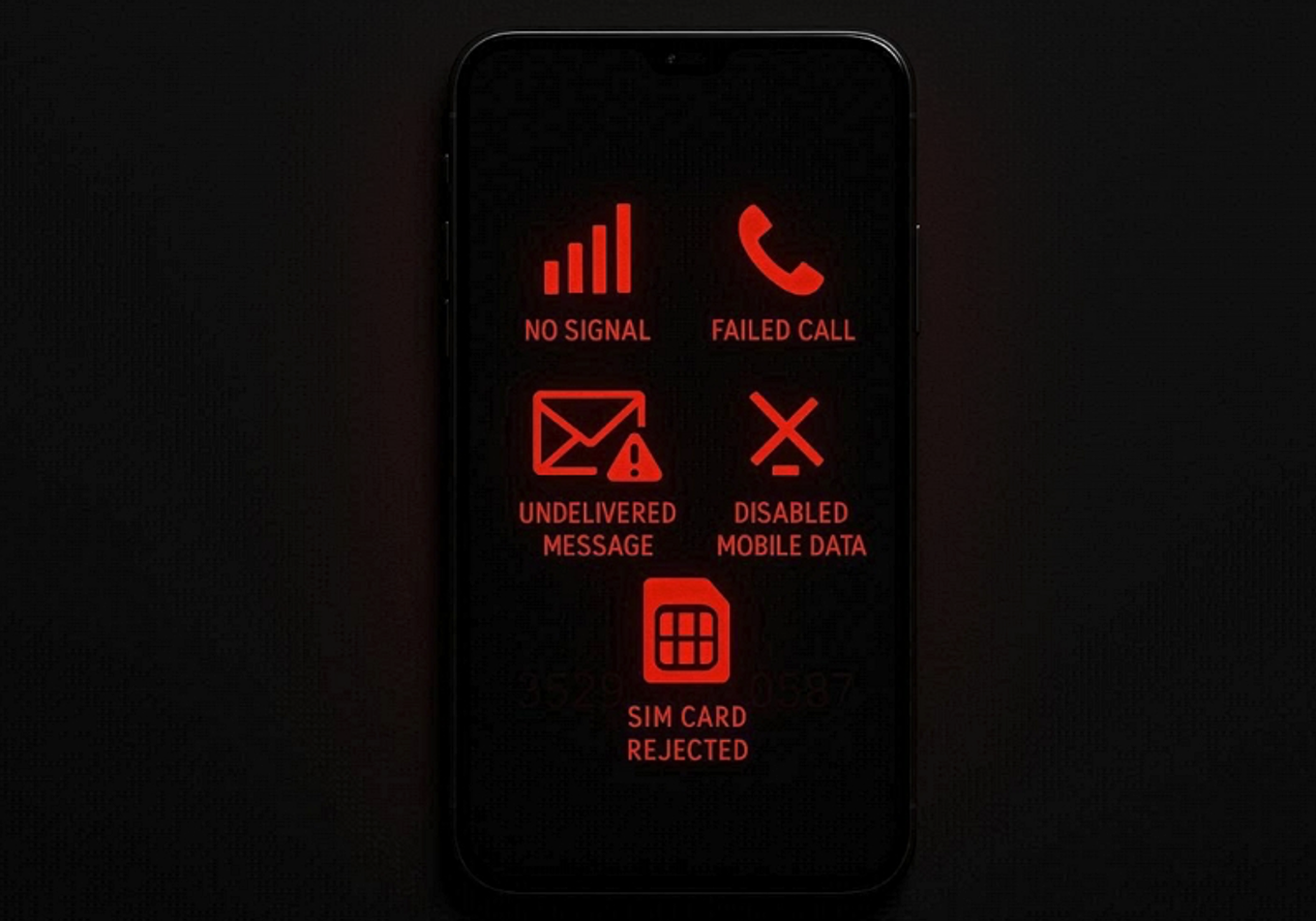
- Call Failure: The calls might not work since the network blocks a blacklisted phone. Even emergency numbers sometimes fail, signaling possible device blacklisting.
- Message Problems: Texts might not send or receive, usually on a blacklisted device. So, repeated message failures indicate network-level blocking rather than SIM issues.
- Data Issues: Mobile internet may stop working even with a strong network signal. Thus, blacklisted phones cannot even access 5G or mobile hotspot services.
- Carrier Rejection: Mobile providers might reject the SIM card when it is inserted. This happens typically when the IMEI is marked to be blocked or stolen.
- Activation Errors: Phones may fail initial setup or show activation locked messages. Here, the Samsung IMEI check can help verify whether the device is restricted.
Part 3. Why Use Dr.Fone IMEI Check for a Phone Verification
When buying a used phone, verifying its authenticity before payment is extremely important. This is where Dr.Fone IMEI Check becomes the most reliable choice for verification. It gives instant access to over 20 detailed reports about both Android and iOS devices. The platform checks blacklist records to confirm whether a device is safe to use. It also performs an iCloud check to identify Apple’s activation lock or linked accounts.
For Samsung users, it detects KNOX Guard and shows warranty information across major brands. Carriers’ lock status, like Verizon IMEI check, also helps confirm if your phone works. It also reviews MDM locks, which restrict company-assigned or managed mobile devices. Apart from that, Xiaomi users can check activation locks to ensure no account is restricted.
Key Features
- Full Device: Runs a complete IMEI verification, including model and general phone details.
- Quick Verifications: Generates reports within 30 seconds after entering the device IMEI code.
- LG Warranty: Identifies if an LG phone is still under its original manufacturer's warranty.
Part 4. How to Check a Blacklisted Phone Online (Step-by-Step)
Wondershare Dr.Fone allows users to have a quick phone blacklist check. Thus, take guidance from the steps to verify your device’s IMEI without hassle:
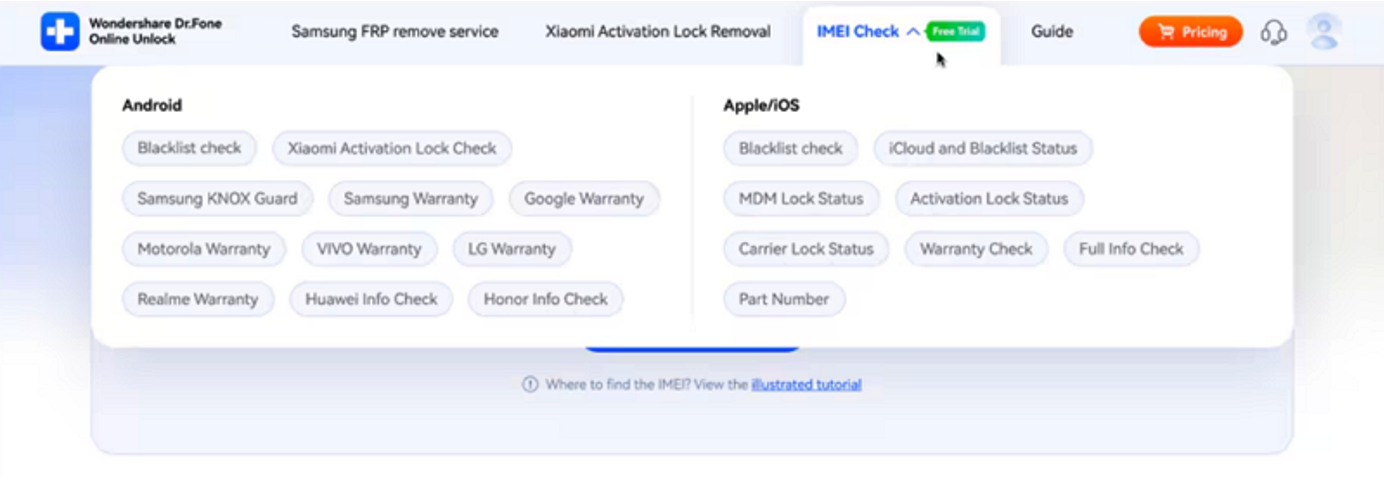
Step 1. Open the IMEI Check Tool:
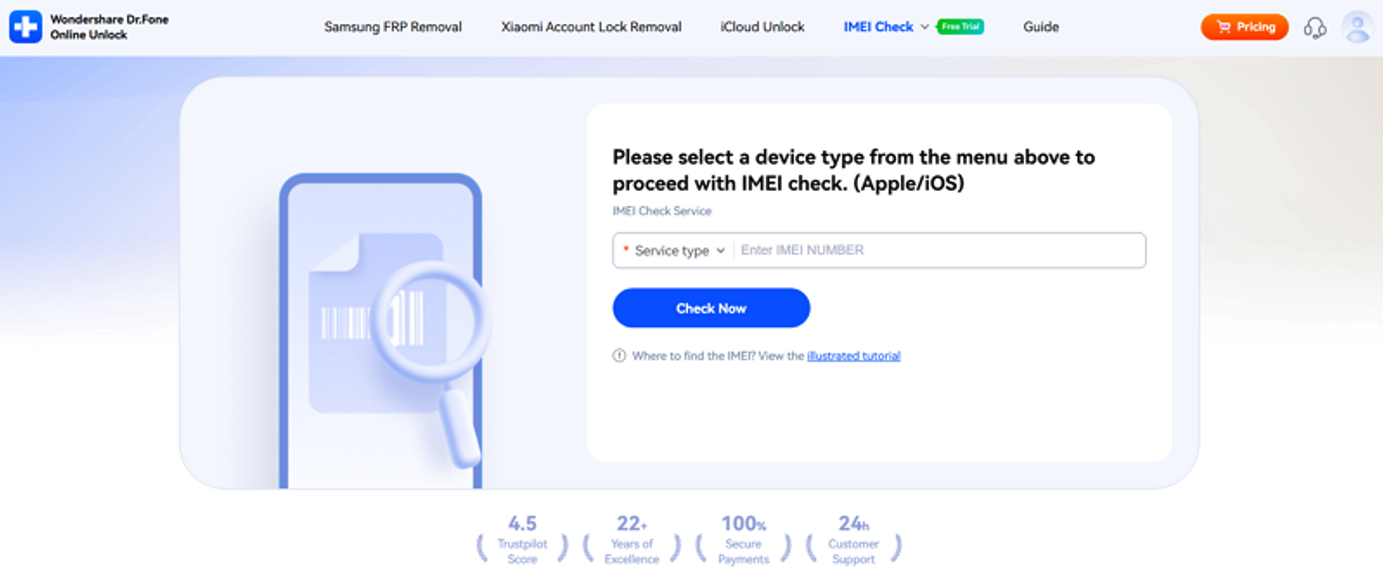
Upon accessing the Dr.Fone IMEI Check page in your browser, pick the desired check type, like "Blacklist Check," from the “IMEI Check” menu.
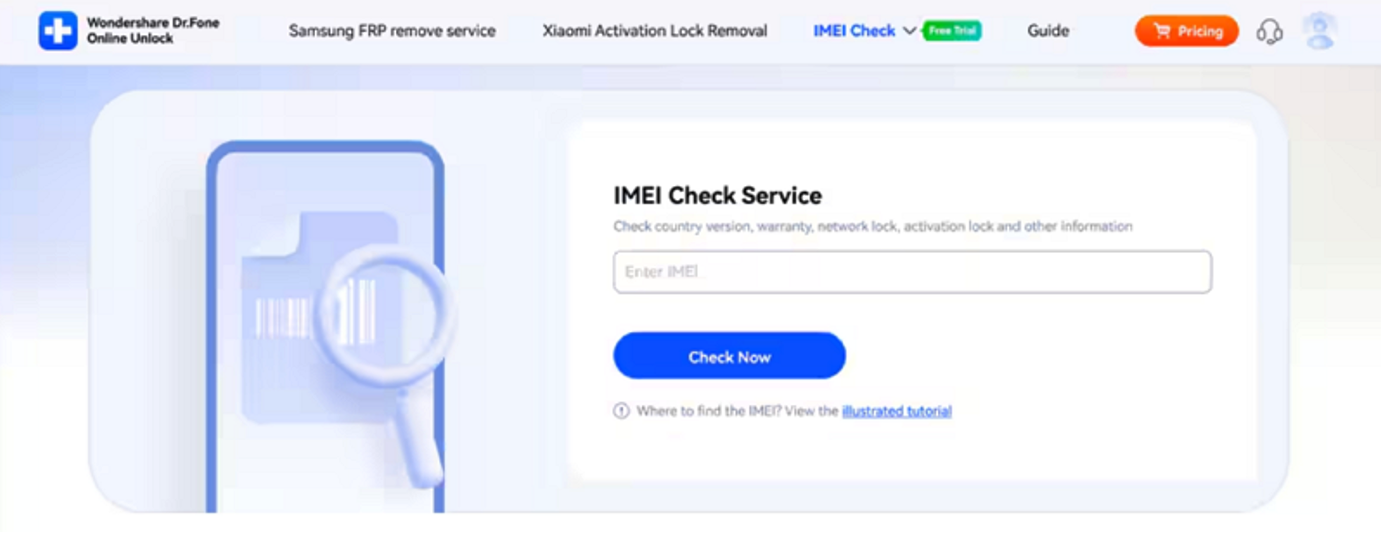
Step 2. Enter Your IMEI Number:
Enter your device's IMEI in the box and click "Check Now" to initiate verification.
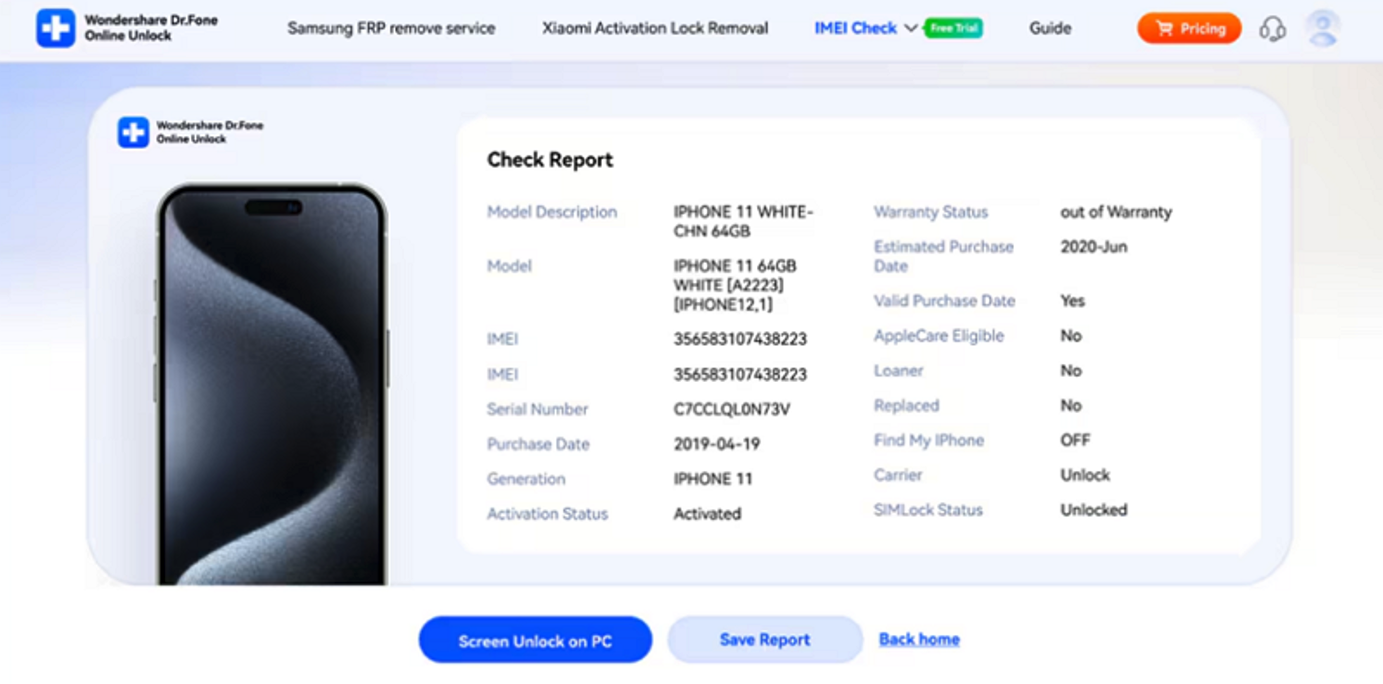
Step 3. Check and Export the IMEI Report:
After a while, review the detailed results and opt for "Save Report" to save it as a file.
Part 5. What to Do If a Phone Is Blacklisted
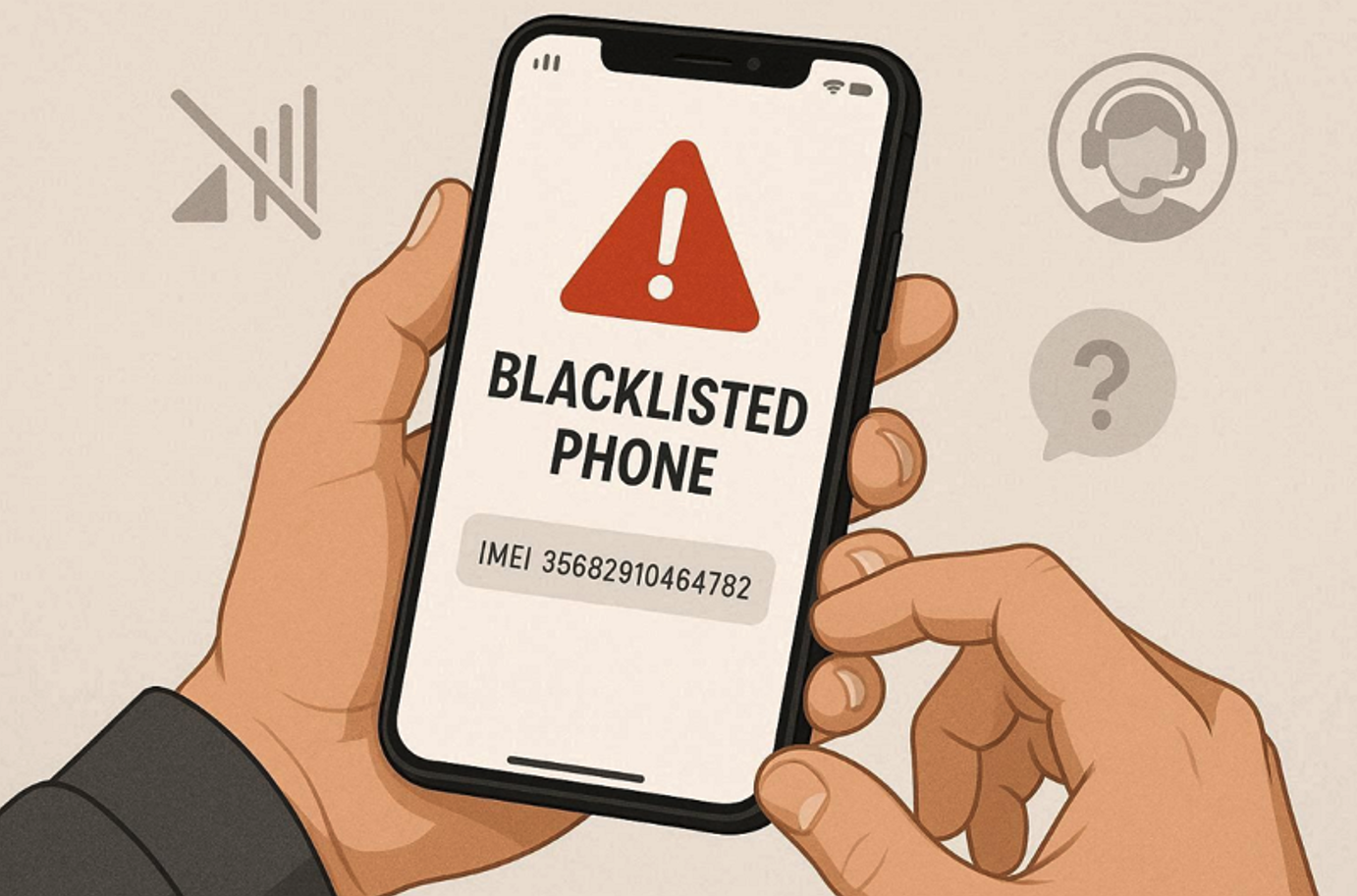
When a phone is blacklisted, time and money can be saved in case there is a rush. You should contact the carrier that placed the device on the blacklist for clarification. They may guide you if it was mistakenly reported or linked to old payments. In case the phone was bought used, reach out to the seller and explain politely.
You also demand official ownership certification or a refund from the original retailer. If the lock is caused by unpaid bills, clearing them solves the restriction issue. However, for company-registered devices, perform an MDM check to see if remote management is involved. Verify the phone again via Dr.Fone IMEI check after resolution to ensure the blacklist record is cleared.
Conclusion
To sum up, phone inspection before purchase prevents blocked or useless phones in the future. Always confirm the IMEI status to ensure your phone connects with mobile networks. This small step prevents losing money on phones reported stolen or unpaid. Moreover, verifying through an accurate IMEI check protects you from scams and hidden restrictions. For the best results, use Dr.Fone, a reliable and fast phone verification tool.
Share this post
Leave a comment
All comments are moderated. Spammy and bot submitted comments are deleted. Please submit the comments that are helpful to others, and we'll approve your comments. A comment that includes outbound link will only be approved if the content is relevant to the topic, and has some value to our readers.




Comments (0)
No comment