

Is Your Mobile App Stealing Data? Identify and Prevent

Have you ever thought that your phone knows a little too much about you? Ads seem to match your interests perfectly, apps ask for access to data they don't really need, and some services collect far more information than you might expect.
Not Every Permission Is a Problem
Installing a new app usually comes with permission requests. A GPS app relies on your location. A messaging platform relies on your contact list. A video chat requires both audio and video features. Nothing unusual there.
Privacy checks play an important role in evaluating mobile app security and user trust. During the review process, developers, security teams, and a mobile application testing company may assess what information an app collects and ask a simple question: Does this permission fit the app's intended function?
This is often where the first red flags appear. A flashlight wants your contacts. A puzzle game wants your location. Hold on a second... Why? That's often where things start looking a little suspicious. Sometimes the permissions page tells a more interesting story than the app description ever will.
Check some signs that something might be off.

Sign #1: The App Wants Too Much
Most of us hit "Allow" and move on. That's exactly why permission requests are easy to overlook. Before you accept one, ask yourself a simple question: Does this app actually need it?
A photo editor needs access to your photos. A maps app needs your location. Fair enough. But a calculator asking for your contacts? Or a simple game wanting access to your call history? At some point, you're no longer giving the app what it needs; you are giving it a window into your personal data.
Sign #2: Your Battery Starts Draining Faster
Installed a new app and suddenly your battery starts disappearing twice as fast? Yesterday, your phone was still going strong in the evening. Today, you are already looking for a charger before lunch.
The app isn't always doing anything suspicious. Sometimes it refuses to take a break. You close it, forget about it, and it keeps working, checking for updates, talking to servers, and using up the battery in the process. If all of this started after installing an app, check it once again.
Sign #3: Mobile Data Is Disappearing Too Fast
Have you noticed your data running out much faster than usual? A quick look at your data usage might explain why. If a flashlight app has used 2–3 GB of mobile data this month, something isn't adding up. Apps like YouTube or Netflix are expected to use that much data. A calculator or notes app isn't.
Sure, streaming apps, maps, and cloud storage services are known for using a lot of data. A flashlight app, notes app, or calculator? Not so much.
Sign #4: Your Camera or Microphone Turns On for No Reason
That little green or orange dot suddenly appears at the top of your screen. You're not filming anything. You are not on a call. So what is going on? The dot means an app is using your camera or microphone. In many cases, there's a perfectly normal explanation, but checking which app triggered it only takes a moment.
How to Check App Permissions
You don't need any special skills or additional apps for this. Open the Privacy Dashboard on Android to see which apps have used your camera, microphone, or location. On iPhone, you'll find similar information in the App Privacy Report.
Also, review the permission list for each app separately. That's often where you'll find settings you approved a long time ago and forgot about.
When Is It Time to Delete an App?
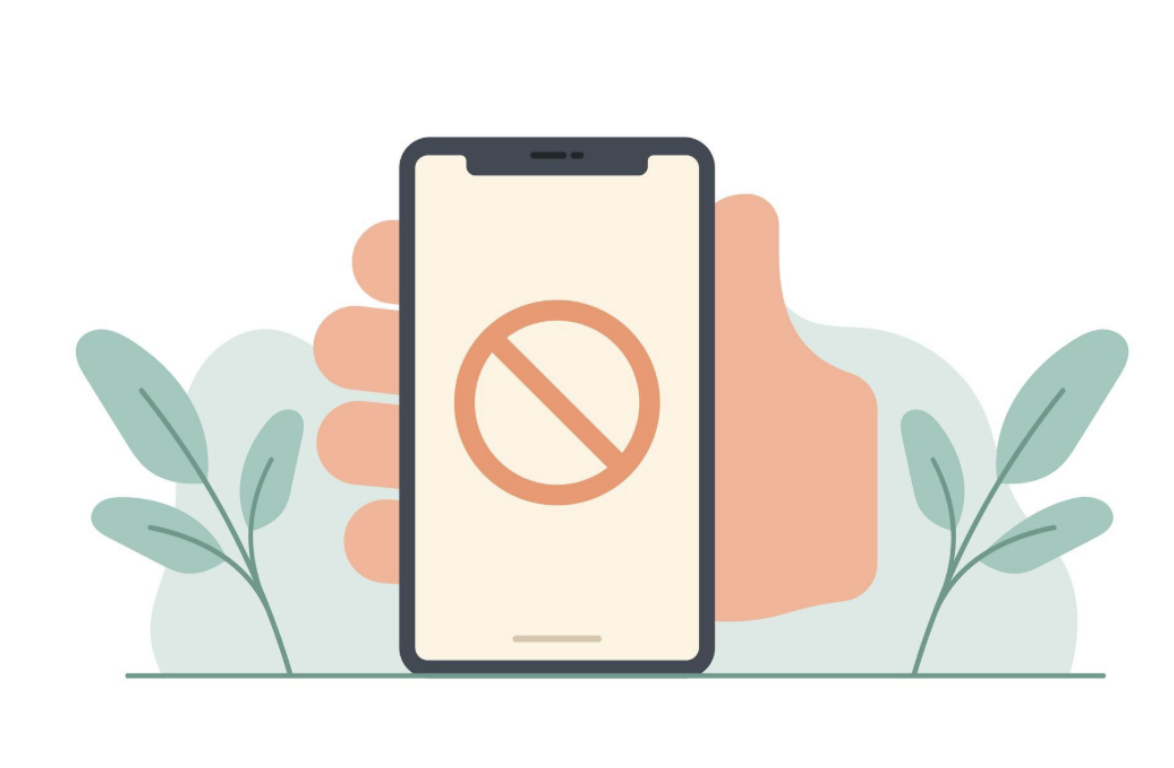
A strange permission doesn't automatically mean you are in trouble. But some signs are hard to ignore.
An app is worth checking more closely if it:
- Asks for access to data without a clear reason
- Has a lot of privacy complaints from users
- Keeps running in the background
- Comes from a developer nobody seems to know much about
If you are still unsure, find another app.
Simple Habits That Help Protect Your Data
Avoiding data collection completely is pretty much impossible these days. Still, there are some easy ways to keep more control over your information.
You can start by:
- Downloading apps only from trusted sources
- Checking permissions before installing an app
- Reviewing camera and microphone access from time to time
- Removing apps you no longer use
- Updating your apps and phone software when new versions are available
Most apps don't try to steal your data. Even then, some apps request details that have little to do with their actual purpose. It's enough to take a minute to check your permissions and spot something that doesn't belong there.
Conclusion
Most mobile apps are designed to provide useful features, not to steal personal information. However, that doesn't mean every permission request should be accepted without question. Taking a few moments to review app permissions, monitor unusual behavior, and remove apps you no longer trust can go a long way toward protecting your privacy.
Staying informed about how apps collect and use data helps you make better decisions about what you install and what information you share. A little attention today can help prevent privacy and security issues down the road.
Related Articles

June 10, 2026
Privacy, Location Data, and Online Research: How to Collect Better Insights Without Overreaching
Online research depends on a quiet exchange of trust. People answer surveys, visit websites, compare products, test concepts, and share opinions because they believe their info...
Read More
March 26, 2025
Addressing Privacy Challenges in Mobile Apps Utilizing Geolocation Data
Geolocation has become a core component of today’s mobile app experiences. From suggesting nearby restaurants and matching users based on location to guiding deliveries and enablin...
Read More
March 11, 2018
How to prevent online tracking?
Have you ever used a website that requires login information? Or been online shopping and realized that advertisements are suspiciously familiar with what you’ve been browsing at?...
Read More
Comments
Comments are available to signed-in users and are moderated to keep the discussion useful and respectful. Spam, automated submissions, and low-value promotional comments are removed. Outbound links may be approved when they are relevant and genuinely helpful to readers, but they are displayed as plain text rather than clickable hyperlinks.
No comments have been published yet.
Please sign in to submit a comment.