

The SMB Guide to IP Whitelisting: Is Your Office Security Too Tight (or Too Loose)?
Understanding IP Whitelisting for SMBs
Small and medium-sized businesses (SMBs) face unique challenges in securing their networks. Unlike large enterprises with dedicated cybersecurity teams, SMBs often rely on simpler, more cost-effective methods to protect their digital assets. One such method is IP whitelisting, a security practice that allows only approved IP addresses to access specific systems or networks.
IP whitelisting can be a powerful tool for SMBs, but it requires a delicate balance. An overly restrictive whitelist can hinder productivity, while a lax approach may expose the business to cyber threats. This guide explores how SMBs can find the right balance and ensure their office security measures are neither too tight nor too loose.
What Is IP Whitelisting?
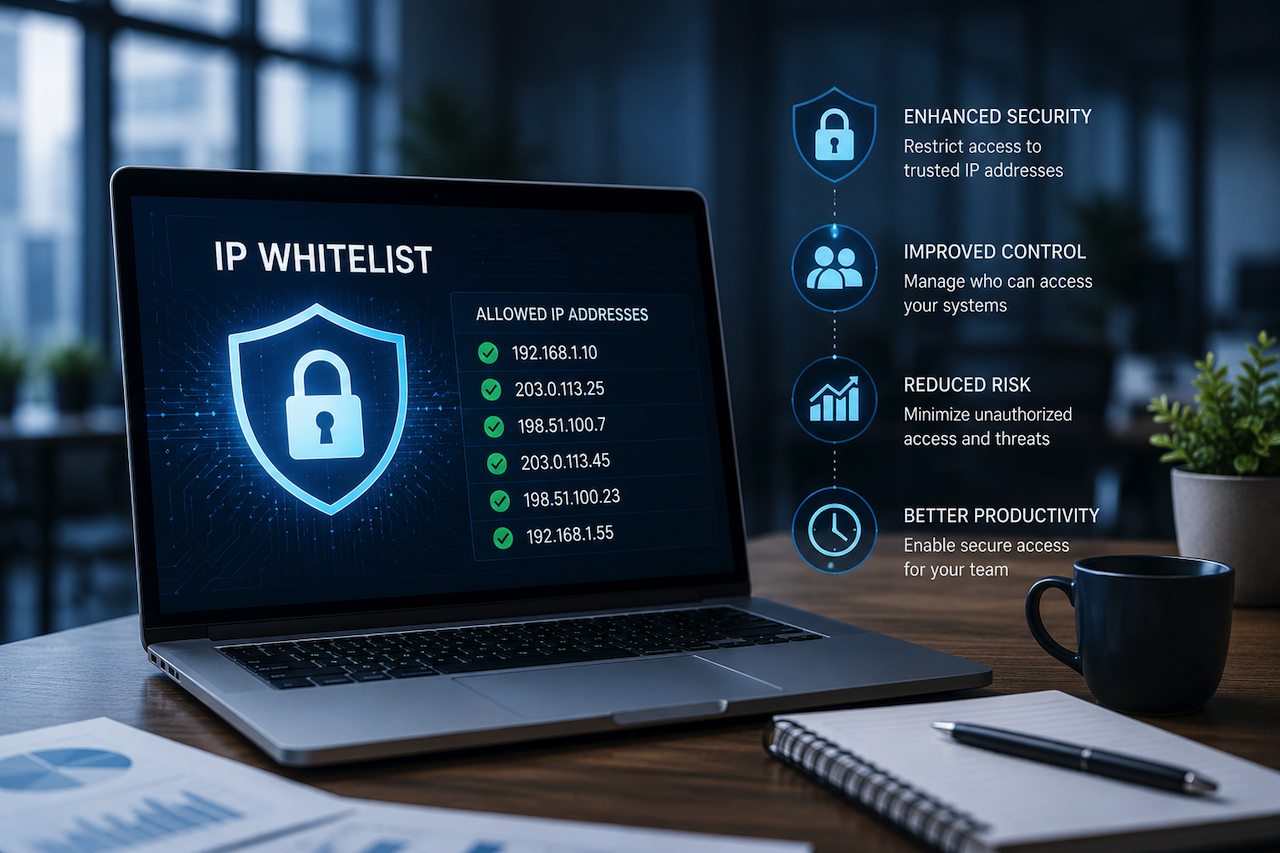
IP whitelisting involves creating a list of trusted IP addresses permitted to access certain resources within a company’s network. When a device attempts to connect, the system checks its IP address against this list. If the IP isn’t listed, access is denied.
This method provides an additional layer of security by limiting access to known and trusted users or locations. It is especially useful in environments where remote work is common or where sensitive data needs to be restricted.
Why SMBs Should Consider IP Whitelisting
Cyberattacks targeting SMBs are on the rise, with 43% of such attacks in recent years targeting small businesses. Many SMBs lack the resources for advanced security systems, making IP whitelisting a practical first step.
Moreover, 60% of SMBs that experience a significant cyber attack go out of business within six months. Implementing IP whitelisting helps reduce the attack surface by restricting network access to known IP addresses, decreasing the likelihood of unauthorized intrusions.
Despite its benefits, setting up and maintaining IP whitelists can be challenging for SMBs with limited internal IT resources. Organizations operating in network security and infrastructure management, including companies such as 917 Solutions, are part of the broader ecosystem associated with access management and network security operations.
Balancing Security and Accessibility
While the benefits of IP whitelisting are clear, SMBs must avoid the pitfalls of overly restrictive or excessively permissive configurations.
An office network that is too tight may block legitimate users, causing frustration and delays. For instance, employees working remotely may be denied access if their current IP addresses are not on the whitelist, leading to a loss of productivity. On the other hand, a whitelist that is too loose, such as including broad IP ranges or failing to update the list regularly, can open doors to cyber threats.
To strike the right balance, SMBs should:
- Regularly review and update the whitelist to accommodate changes in IP addresses.
- Combine IP whitelisting with other security measures like multi-factor authentication (MFA).
- Educate employees about the importance of secure network access.
Managing IP whitelists and network access controls can become increasingly complex as SMB environments grow. Organizations operating in the broader IT infrastructure and network security space, including companies such as All In IT, are part of the ecosystem focused on supporting secure access management and ongoing network administration.
Common Challenges with IP Whitelisting
- Dynamic IP Addresses: Many internet service providers assign dynamic IPs that change periodically, complicating whitelist maintenance. A 2023 survey found that 72% of SMBs struggle to manage dynamic IPs within their security protocols.
- Remote Access Needs: Employees working from various locations may require frequent whitelist updates, increasing administrative overhead.
- Scalability: As the business grows, managing an ever-expanding whitelist can become cumbersome, making manual updates impractical.
- Technical Know-How: Proper configuration and troubleshooting require technical expertise that SMBs might lack, which can lead to misconfigurations and vulnerabilities.
Despite these challenges, the advantages of IP whitelisting in preventing unauthorized access and reducing cyber risk make it a worthwhile investment. Studies show that organizations using IP whitelisting reduce unauthorized access attempts by up to 45%.
Best Practices for Effective IP Whitelisting
To optimize IP whitelisting for SMBs, consider the following best practices:
- Segment Your Network: Apply whitelisting selectively to critical systems rather than the entire network. This approach minimizes disruptions while protecting sensitive data.
- Use VPNs: Virtual Private Networks provide stable, secure IP addresses for remote users, simplifying whitelist management by assigning consistent IPs.
- Automate Updates: Employ tools that can automatically update whitelists based on trusted IP changes, reducing manual workload and human error.
- Monitor Access Logs: Keep an eye on access attempts to identify potential security incidents early. Regular log analysis can reveal patterns indicating suspicious activity.
- Backup Procedures: Maintain a backup of whitelist configurations to recover quickly from misconfigurations or accidental deletions.
Implementing these practices helps SMBs maintain a whitelist that is both secure and flexible enough to support business needs.
Balancing Security with Business Efficiency
While security is paramount, SMBs must ensure that their IP whitelisting policies do not become a barrier to daily operations. Overly strict policies can hamper collaboration, delay access to critical systems, and frustrate employees and clients alike.
To maintain this balance:
- Communicate clearly with staff about IP whitelisting policies and procedures.
- Provide mechanisms for temporary access requests when legitimate users are blocked.
- Regularly solicit feedback from users to identify and resolve access issues quickly.
By integrating IP whitelisting into a broader security strategy that includes user education, access controls, and monitoring, SMBs can protect their assets without sacrificing agility.
Looking Ahead: The Future of IP Whitelisting for SMBs
As SMBs increasingly adopt cloud services and remote work models, IP whitelisting will continue to evolve. Emerging technologies such as Zero Trust Architecture (ZTA) are reshaping how access controls are implemented. In these models, IP whitelisting is combined with identity verification, device health checks, and behavioral analytics for a more comprehensive security approach.
Additionally, automation and artificial intelligence will play larger roles in managing access lists, detecting anomalies, and responding to threats in real time. SMBs that stay informed and adapt their IP whitelisting practices accordingly will be better positioned to face future cybersecurity challenges.
Conclusion: Is Your Office Security Too Tight or Too Loose?
For SMBs, IP whitelisting is a crucial component of network security that can prevent unauthorized access and minimize cyber risks. However, the effectiveness of this approach hinges on maintaining the right balance between security and accessibility.
An overly tight IP whitelist may stifle productivity, while a loose one can expose your business to attacks. Regularly reviewing whitelist configurations and combining IP whitelisting with other security measures can help SMBs protect digital assets without sacrificing operational efficiency.
By carefully assessing your current security posture and making informed adjustments, your business can harness the power of IP whitelisting to build a resilient network security framework.
Featured Image generated by ChatGPT.
Related Articles
April 15, 2026
Strengthening Digital Trust: Why Email Authentication and AI Security Matter More Than Ever
In today’s hyper-connected digital landscape, businesses face an ever-growing range of cyber threats. From phishing attacks to sophisticated AI-driven exploits, the risks are no lo...
Read More
April 1, 2026
The Intersection of Digital and Physical Security: Why Modern Offices Need Integrated Access Tracking
In the current global landscape, cybersecurity often takes center stage. Enterprises invest millions in high-end firewalls, sophisticated encryption, and real-time IP tracking to p...
Read More
July 14, 2025
Why Every Business Needs to Get a Professional Security Audit in 2025
In today’s digitally connected world, cyber threats have grown in both volume and sophistication. Businesses, large or small, must proactively defend their digital assets and infra...
Read More
Comments
Comments are available to signed-in users and are moderated to keep the discussion useful and respectful. Spam, automated submissions, and low-value promotional comments are removed. Outbound links may be approved when they are relevant and genuinely helpful to readers, but they are displayed as plain text rather than clickable hyperlinks.
No comments have been published yet.
Please sign in to submit a comment.