

Ecommerce, Online Tools, Web Development
Selling More From the Traffic You Already Have
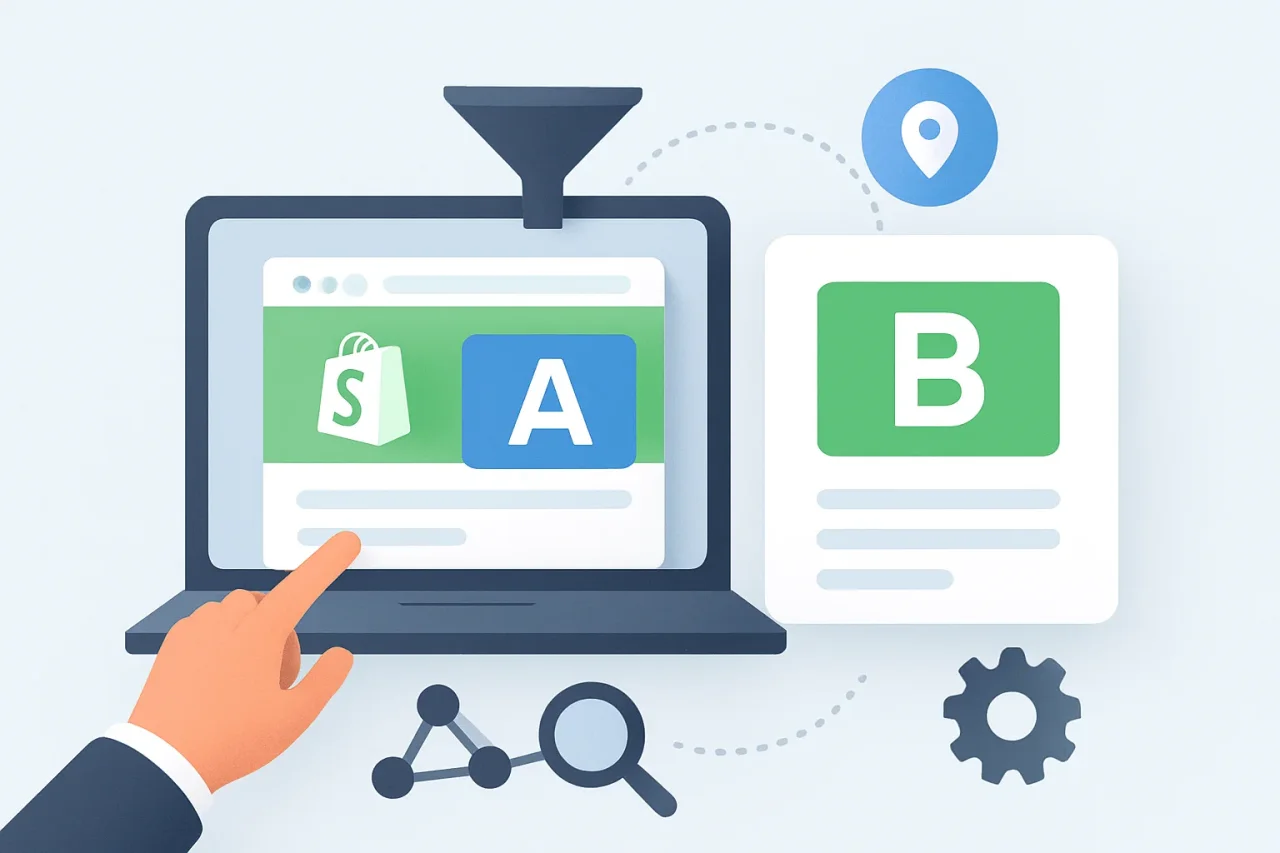
The average Shopify store converts about 1.4% of its visitors into customers. The figure comes from a benchmark of 2,800 stores by Littledata, and it means that roughly 98 of every hundred visitors leave without buying.
The usual answer to that number is to buy more traffic. Paid acquisition works, and it is also the most expensive way to grow, because the leak is still in the store when the new visitors arrive.
Conversion optimization, without the jargon
Conversion rate optimization (CRO) is the work of raising the share of visitors who take the action you want: a purchase, an add to cart, a checkout start, a signup. On a store, the action is usually a sale, and the revenue it produces is revenue you did not have to buy twice.
The number to decide on is revenue per visitor, which is total net revenue divided by unique visitors. Conversion rate alone cannot separate a discount from a premium bundle. A ten percent promotion lifts the conversion rate and lowers the average order, while raising the price of the same product does the reverse. Both move the conversion rate in opposite directions while doing opposite things to the money. Revenue per visitor prices them the same way.
Why "we changed the page and sales went up" proves nothing
The common method is to change something, watch the numbers for a few weeks, and declare a result. What that comparison actually measures is the market. Ad spend changes, a sale ends, a competitor launches a promotion, payday changes who is shopping, one product goes out of stock and buyers choose something else. All of it lands in the same number as the change you made, and none of it can be separated out afterwards.
What a controlled comparison looks like
A controlled comparison runs the current version, the control, and the new version, the variation, at the same time. Visitors are assigned at random, and each one keeps the same version on later visits, so nobody sees both sides of the same test.
Three rules make the reading trustworthy:
- Change one thing per test. Two changes in one experiment make the result unattributable.
- Choose the metric before you launch. Deciding afterwards which number to report is how a loss gets relabelled.
- Freeze other work on the pages under test for the duration.
What a Shopify store can test
Most of what decides whether a visitor buys sits between landing and paying:
- Price, at two points for the same product, split by visitor.
- Page and template layouts, on product, collection and landing pages.
- Shipping terms, including free-shipping thresholds and flat rates.
- Product images: the hero shot, the crop, the lifestyle version.
- Checkout content: trust badges, upsells, the wording on the final step.
- Whole-page alternatives at different addresses, compared against each other.
Expect most tests to come back negative
In a meta-analysis of 1,001 A/B tests, 33.5% produced a statistically significant positive result, with a mean lift of 15.9% among the winners and a median of 7.5% (Analytics-Toolkit). Two tests in three return nothing conclusive, and that is the normal cost of finding the one that returns 10% or more. A result that settles a question and closes it has value too, because it stops the same idea being argued again next quarter.
What Shopify does on its own, and where it stops
Shopify ships a native testing feature, and its documented limits decide how far you can take it. Under Markets > Rollouts there are three rollout types: a Launch, an Event, and an Experiment, and the Experiment is the one that compares a control against a treatment. A rollout can change your online store theme, your checkout and accounts configuration, or your product catalogs. Experiments need the Grow plan or higher; Liquid template changes are not supported inside a rollout, and vintage themes cannot be tested at all (Shopify Help Center).
That covers a theme rebuild and a checkout configuration change, on a plan you may already be paying for. Price, shipping rate, product image, and single-element changes sit outside it, because a price is not a theme setting.
Running it without breaking the store
What usually fails is not the idea; it is the plumbing. A visitor has to stay in the same version across sessions. A tested price has to hold from the product page through the cart, the checkout, the order confirmation, and the analytics. The tool has to report a difference with the confidence level behind it, rather than a raw percentage.
That layer is what an app provides. Elevate, for example, runs price, page, shipping, image, split URL, and checkout experiments on Shopify stores. Before choosing any testing app, check which experiment types are included in the plan you're considering, especially price testing, since it is usually the first experiment a store wants to run.
A route to your first test
- Write the hypothesis as a sentence about a metric. "Moving the add-to-cart button above the description will raise revenue per visitor on mobile" can be tested; "improve the product page" cannot.
- Start with the page that receives the most traffic. A test on a page nobody visits will not finish in any useful time.
- Set the sample size before launch, and run whole weeks so a full shopping cycle is covered.
- Write down what a win, a loss, and an inconclusive result will each mean for the store.
- Keep a log of what was tested, on which metric, and what was decided.
The short version
- Conversion produces more orders from visitors you already paid for, which is why it is usually cheaper than more traffic.
- Judge the result on revenue per visitor, not conversion rate alone.
- Run both versions at the same time on randomly assigned visitors. A before-and-after comparison measures the market.
- Expect roughly one clear winner in three tests.
- Shopify's native Rollouts covers themes and checkout configurations on Grow and above. Price, shipping, and element-level tests need an app.
Sources
- Littledata, "Average Ecommerce Conversion Rate" (benchmark of 2,800 Shopify stores)
- Analytics-Toolkit, "What Can Be Learned From 1,001 A/B Tests?"
- Shopify Help Center, "Types of rollouts and changes"
- Shopify App Store, "Elevate A/B Testing Price Test listing"
Comments
Comments are available to signed-in users and are moderated to keep the discussion useful and respectful. Spam, automated submissions, and low-value promotional comments are removed. Outbound links may be approved when they are relevant and genuinely helpful to readers, but they are displayed as plain text rather than clickable hyperlinks.
No comments have been published yet.
Please sign in to submit a comment.