

Artificial Intelligence, Business, Software
10 Best AI Workflow Automation Tools in 2026

Artificial intelligence is reshaping everyday business operations by eliminating manual bottlenecks and driving smarter efficiency. Modern workflow automation software helps teams streamline routine tasks, accelerate approvals, and connect disjointed applications for faster decision-making. With a vast landscape of AI-powered solutions available today, selecting the ideal platform hinges on your specific operational requirements, existing tech integrations, and long-term scalability. The right choice transforms complex, fragmented tasks into smooth, predictable routines that support your workforce.
1. ProHance
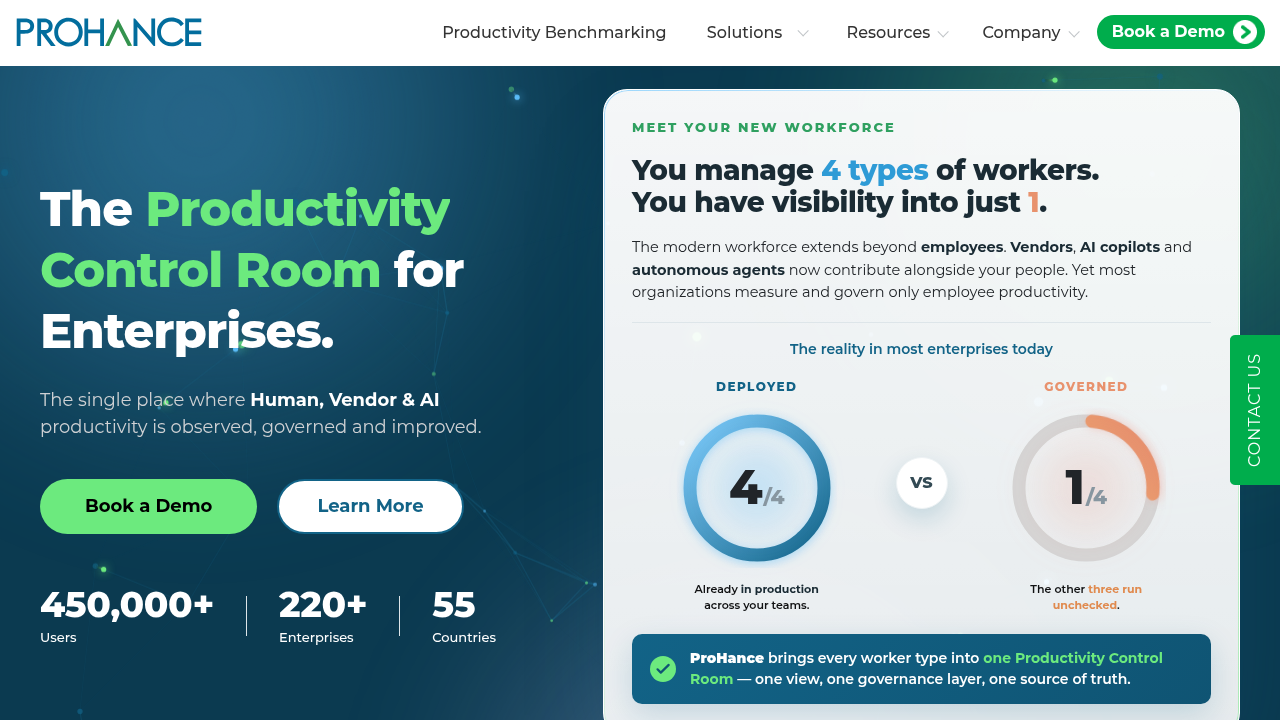
ProHance combines workflow management with workforce intelligence to improve operational visibility and workforce productivity. It helps enterprises automate workflows while providing insights into workforce performance and process efficiency.
Key features:
- Workflow management
- Productivity tracking software
- Workforce utilization analytics
- Time and activity tracking
- Capacity planning and workload balancing
- Integration with HRMS, payroll, BI, CRM, and project management platforms
ProHance is ideal for enterprises seeking better workflow visibility and workforce insights.
2. Microsoft Power Automate
Microsoft Power Automate helps organizations automate repetitive business processes across Microsoft and third-party applications. Its AI Builder supports document processing, approvals, email automation, and low-code workflows. The platform integrates with Microsoft 365, Dynamics 365, Teams, SharePoint, and hundreds of other applications.
Key features:
- AI Builder for workflow automation
- Document processing and approval workflows
- Low-code automation
- Integration with Microsoft 365, Dynamics 365, Teams, SharePoint, and other applications
Power Automate works well for organizations using the Microsoft ecosystem.
3. UiPath
UiPath is a robotic process automation (RPA) platform that automates repetitive processes across finance, HR, procurement, and customer service. Its AI-powered automation, document understanding, and process mining capabilities help identify automation opportunities and improve efficiency.
Key features:
- Robotic process automation (RPA)
- AI-powered document understanding
- Process mining
- Enterprise process automation
UiPath is ideal for automating high-volume, rule-based processes.
4. ServiceNow
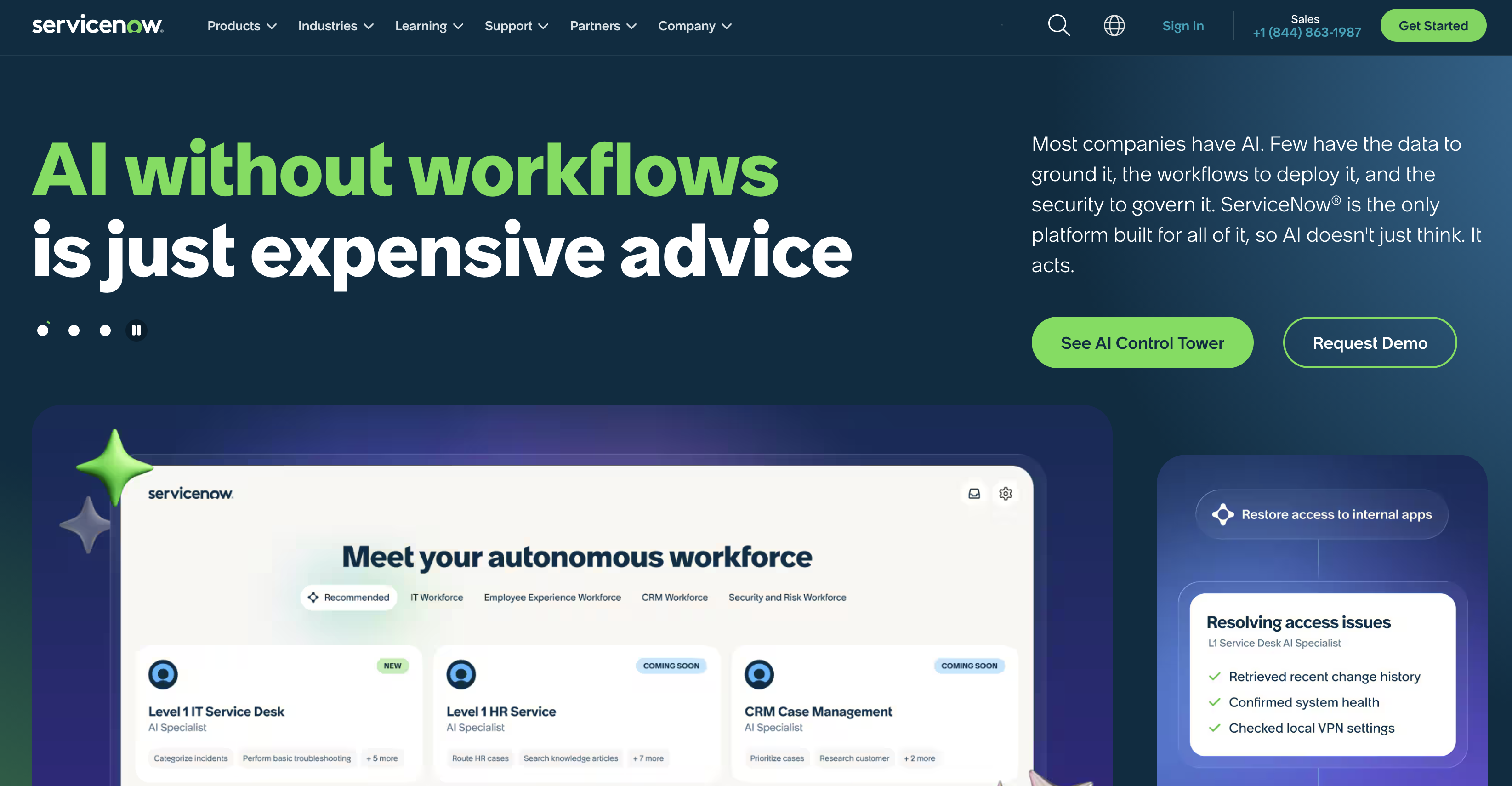
ServiceNow enables organizations to automate enterprise workflows across IT, HR, finance, procurement, legal, and customer service from a unified platform. Its AI capabilities support intelligent ticket routing, automated approvals, workflow orchestration, and issue resolution.
Key features:
- Enterprise workflow automation
- AI-powered ticket routing
- Workflow orchestration
- Automated approvals across business functions
ServiceNow is designed for large organizations managing workflows across departments.
5. Zapier AI
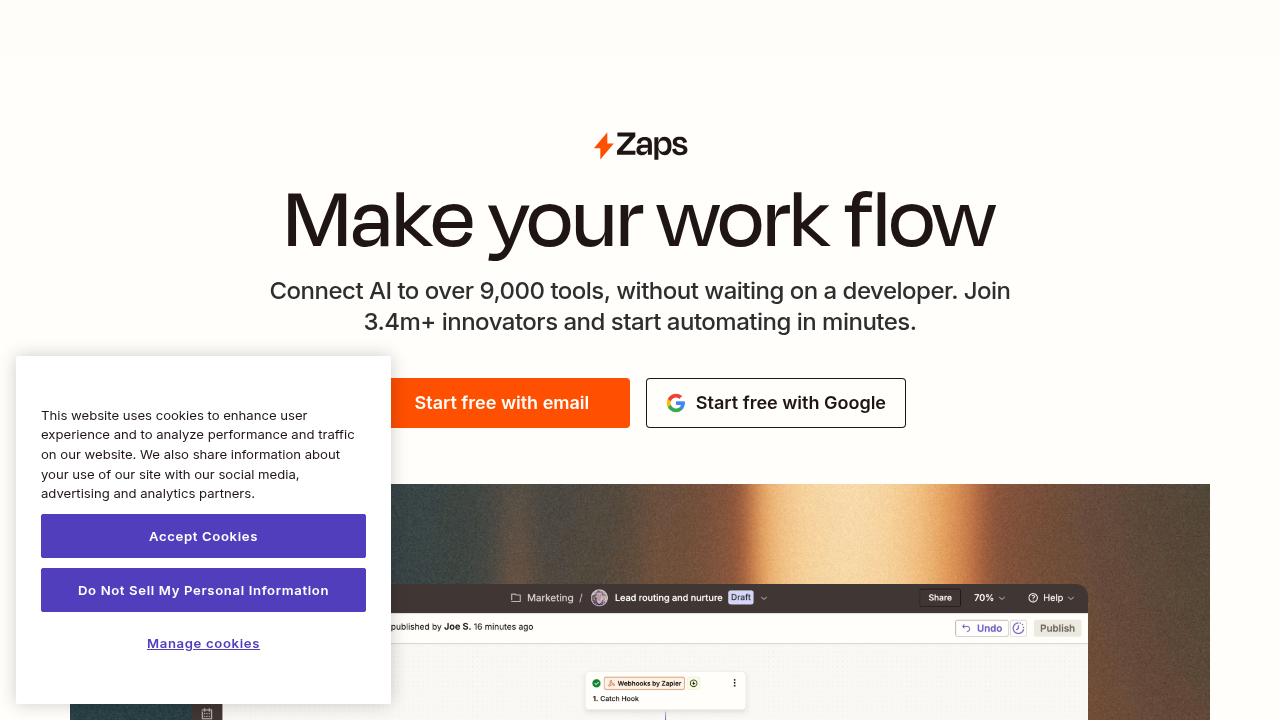
Zapier enables businesses to connect thousands of applications and automate repetitive tasks without coding. Its AI features help users build workflows using natural language across marketing, sales, customer support, and other business functions.
Key features:
- AI-powered workflow creation
- No-code automation
- Integration with thousands of business applications
- Automated workflows across multiple business functions
Zapier is a practical choice for small and medium-sized businesses adopting no-code automation.
6. Monday.com
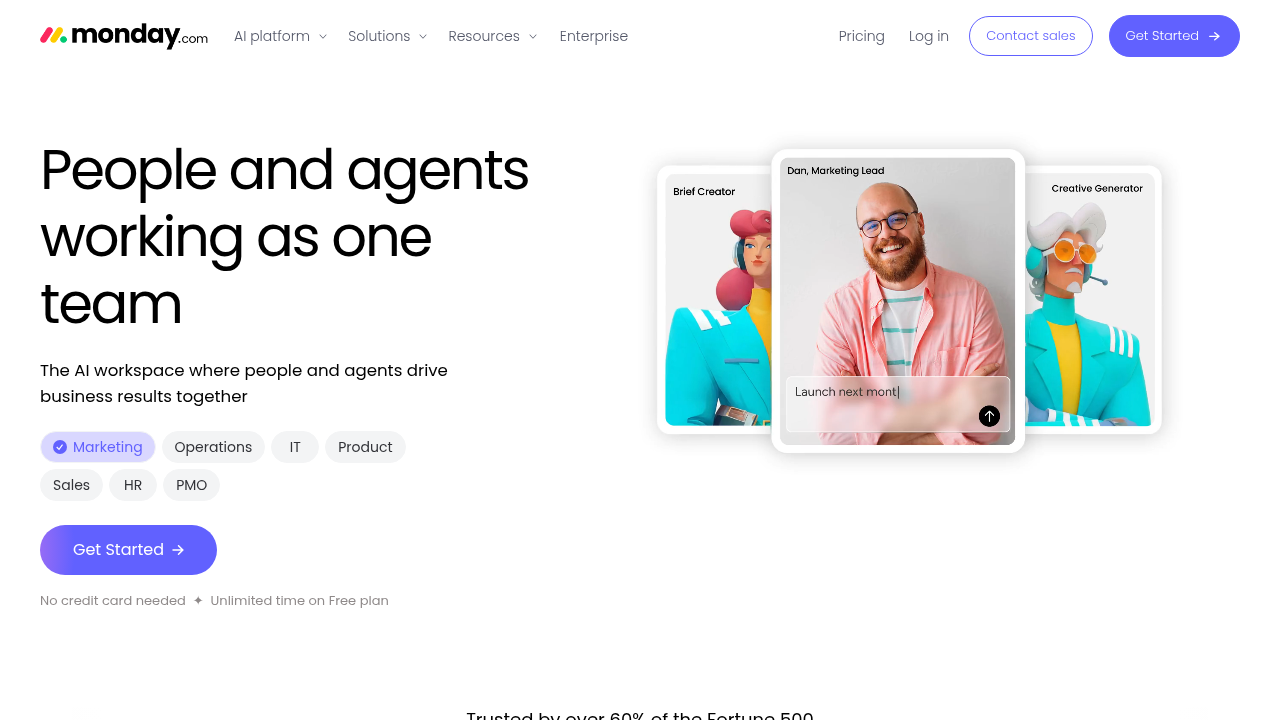
Monday.com combines project management and workflow automation to help teams organize work and collaborate more efficiently. Its AI features assist with task creation, content generation, summaries, and workflow automation to simplify project management.
Key features:
- Workflow automation
- AI-assisted task and content creation
- Project and work management
- Cross-functional team collaboration
Monday.com is ideal for teams managing projects and routine workflows from one platform.
7. ClickUp AI
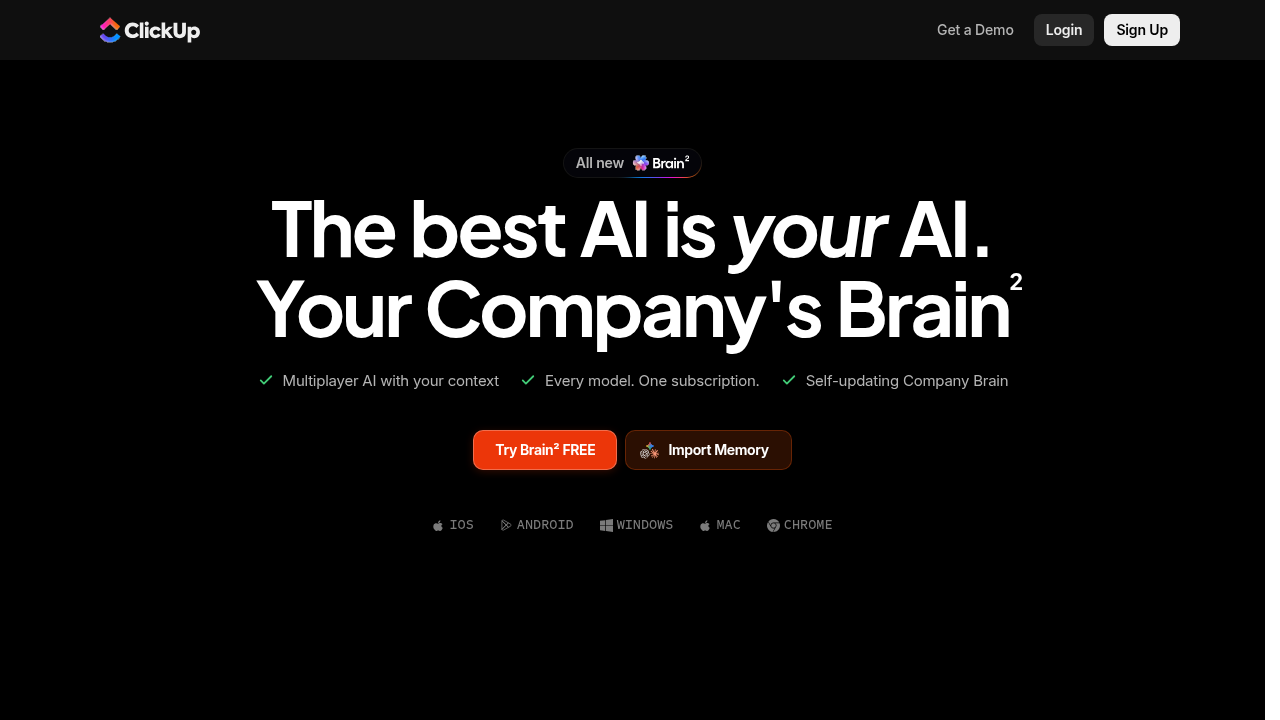
ClickUp brings together project management, documentation, and workflow automation with AI-powered features. Its AI assistant helps generate content, summarize meetings, create tasks, and automate routine workflows for project and document management.
Key features:
- AI-powered task creation
- Meeting summaries and content generation
- Workflow automation
- Project and document management
ClickUp works well for teams managing projects, documentation, and workflows in one place.
8. Kissflow
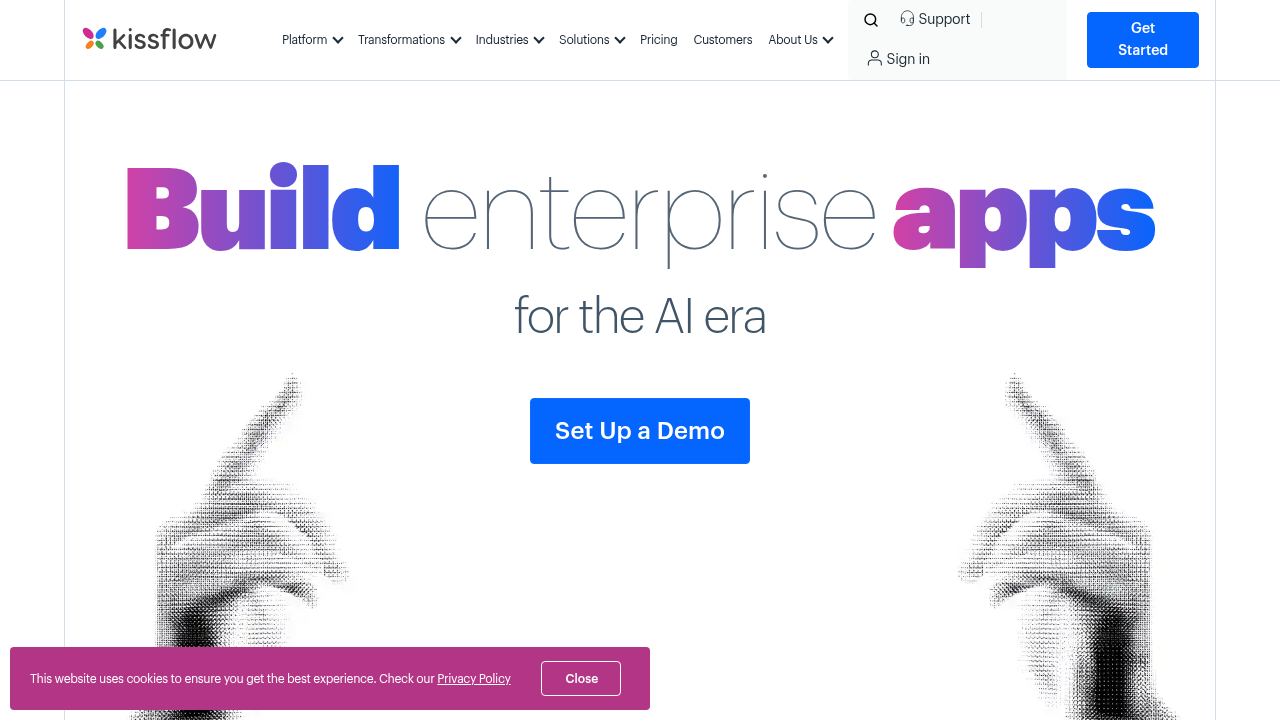
Kissflow helps businesses build and automate workflows using a low-code platform for business users. It supports HR approvals, procurement, finance requests, and other internal operations through a visual workflow builder.
Key features:
- Low-code workflow automation
- Visual workflow builder
- HR, procurement, and finance workflows
- Business process management
Kissflow is well-suited for organizations looking to automate internal business processes without extensive coding.
9. Nintex
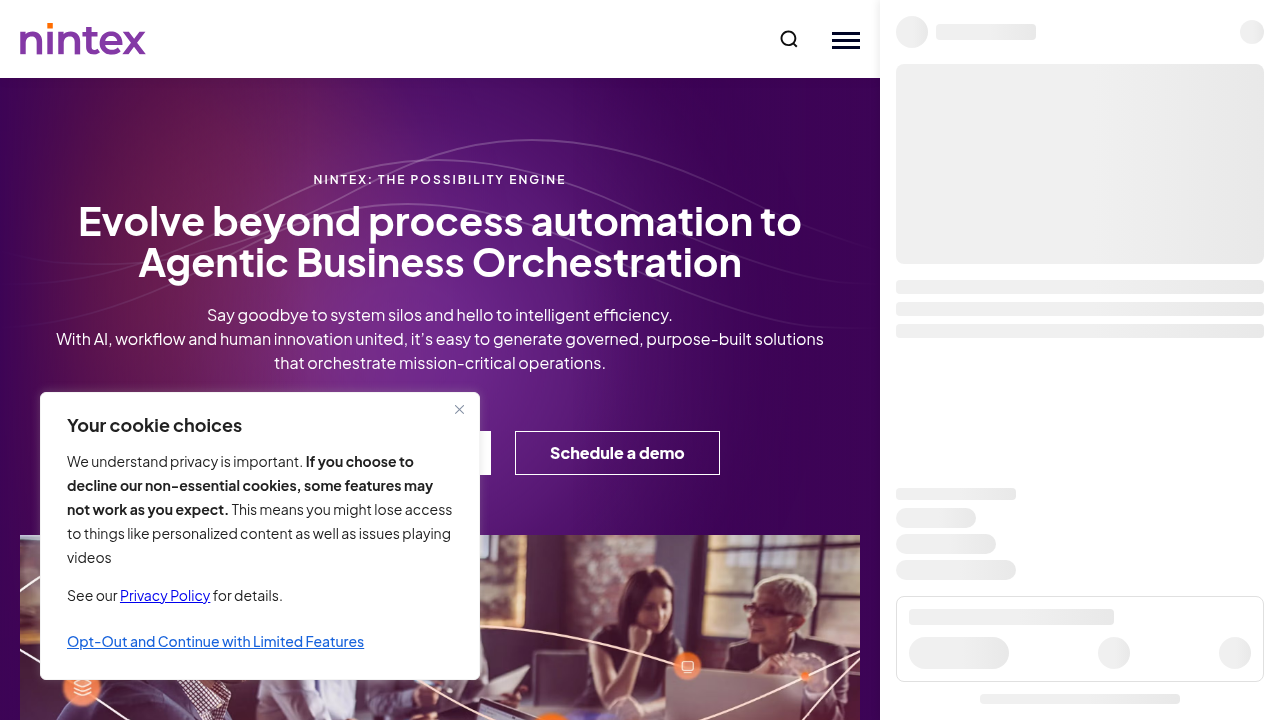
Nintex helps organizations automate business processes across departments with workflow automation and process management capabilities. It supports document generation, digital forms, approvals, contract management, and process mapping.
Key features:
- Workflow automation
- Business process management
- Digital forms and document generation
- Contract and approval workflows
Nintex is designed for organizations standardizing business processes across the enterprise.
10. Asana Intelligence
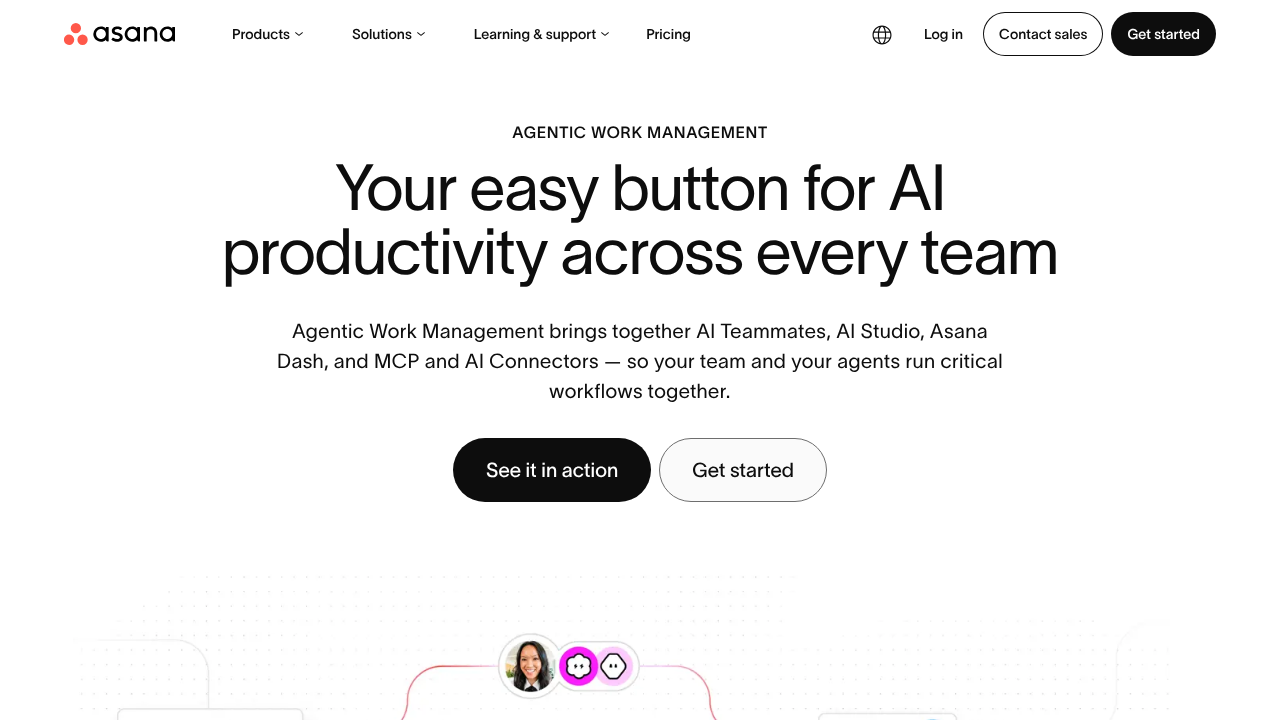
Asana Intelligence enhances Asana with AI-powered features for project management, workflow automation, and collaboration. Its AI features help summarize project updates, identify priorities, generate content, and support project planning.
Key features:
- AI-powered project summaries
- Task prioritization
- Workflow automation
- Project planning and team collaboration
Asana Intelligence is well-suited for teams looking to improve project planning and collaboration with AI-assisted workflows.
How to Choose the Right Workflow Automation Software
Selecting the ideal workflow automation software requires a strategic look at your organization's unique operational scale, business objectives, and technical ecosystem. Rather than adopting the most complex tool available, focus on how a platform aligns with your day-to-day operations. Before making a decision, evaluate these key factors:
- Implementation and Usability: Choose an intuitive interface that teams can adopt quickly without extensive technical training.
- AI Capabilities: Ensure the tool features smart automation that reduces manual bottlenecks and supports faster decision-making.
- Ecosystem Integration: The platform must connect seamlessly with your existing enterprise business applications.
- Scalability and Security: Select a system that grows alongside your business while maintaining strict security and compliance standards.
- Reporting and Analytics: Look for deep insights that help optimize processes and justify technology investments.
If operational transparency is a priority, consider a solution that offers clear visibility into how work gets done. Operational data dashboards help managers balance workloads, reduce software waste, and make data-driven decisions.
Conclusion
Choosing the right workflow automation software depends on your organization's workflows, scalability requirements, and integration needs. Each platform offers different capabilities, making it important to evaluate features, ease of implementation, and compatibility with existing systems. For organizations seeking workflow management and workforce visibility, various platforms provide broader operational insights that support informed business decisions.
Comments
Comments are available to signed-in users and are moderated to keep the discussion useful and respectful. Spam, automated submissions, and low-value promotional comments are removed. Outbound links may be approved when they are relevant and genuinely helpful to readers, but they are displayed as plain text rather than clickable hyperlinks.
No comments have been published yet.
Please sign in to submit a comment.